How to Activate Your Influ2 Integrations
Last updated: April 19, 2026
Connecting Influ2 to your CRM or sales engagement platform is the foundation of everything that follows. This integration lets Influ2 source audience data for your campaigns and pass engagement data back to your sales team.
What integrations give you
Data Sourcing: Influ2 pulls prospect data from your systems to build targeted audience cohorts
Engagement Tracking: Influ2 sends real-time data on prospect engagement (like ad clicks) back to your systems
Steps
1. Go to Settings > Integrations
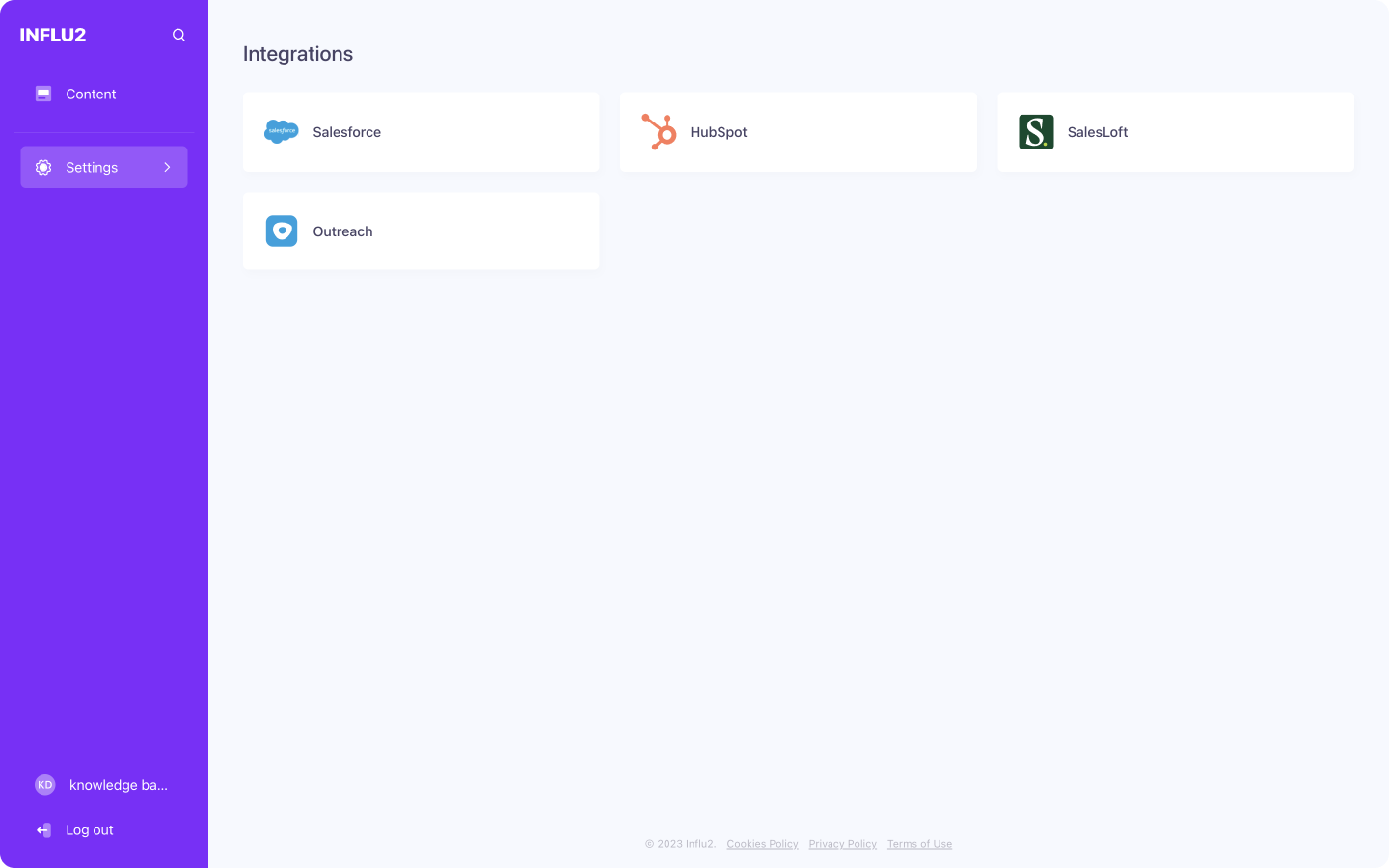
2. Choose the platform you want to connect
3. Click Connect
Click Connect in the window that appears, then press Save.

4. Enter your credentials
Follow the prompts to enter your credentials and authenticate.
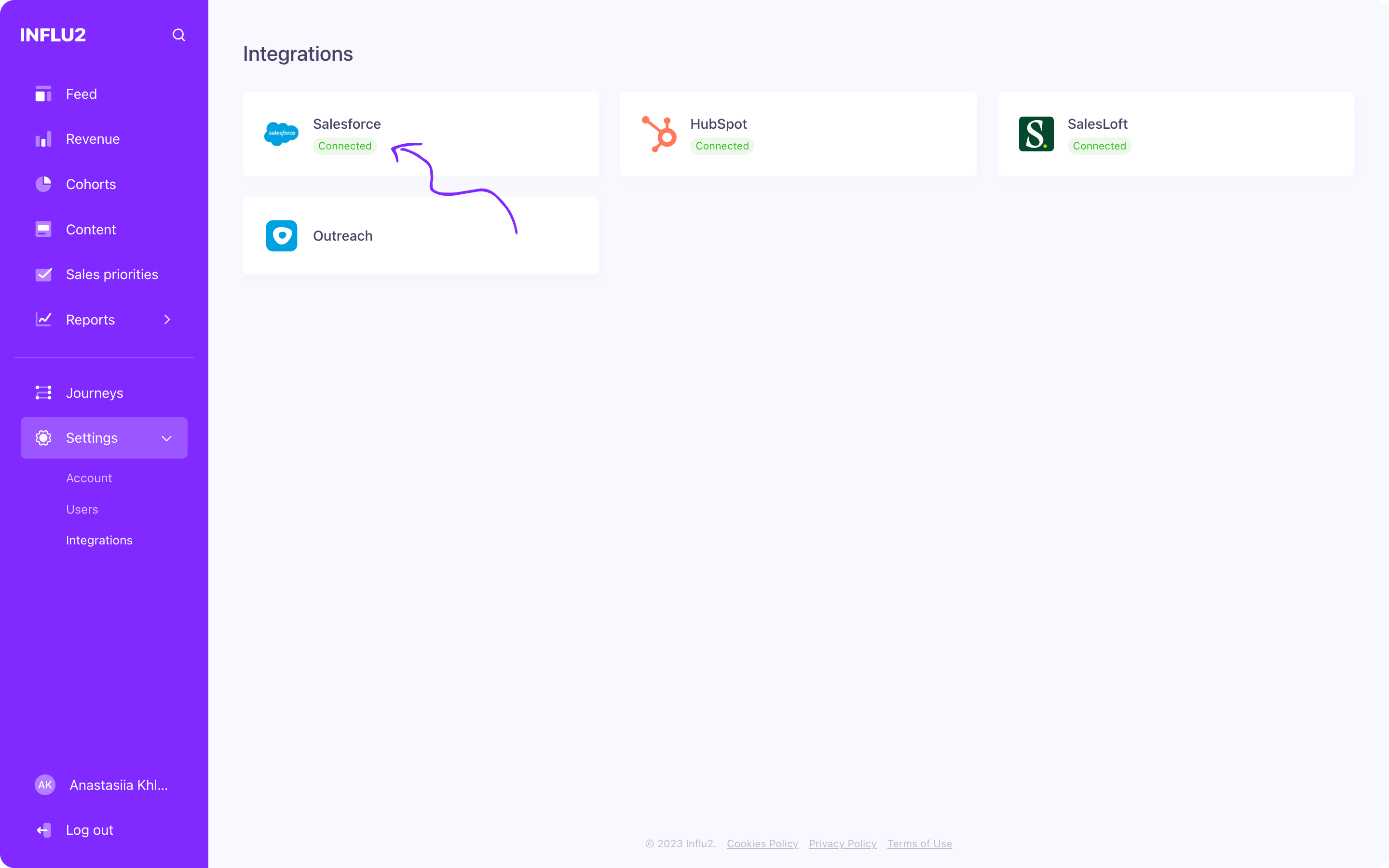
5. Verify the connection
Go back to Settings → Integrations and confirm that your intergration is marked as Connected.
What you'll see
Once connected, you can:
Pull your CRM contacts, accounts, and opportunities into Influ2 cohorts
Automatically sync audience changes between systems
See real-time engagement data flow back to your CRM
What's next
Depending on which platform you connected, follow the detailed setup guide to configure notifications, metrics, and other data points:
These integrations ensure seamless data flow, empowering your sales and marketing efforts through personalized ad targeting and engagement tracking.