Walk through this example of setting up a workflow in HubSpot based on Influ2 engagements.
1. Log in to Influ2. To access your 'Account Settings,' click on your name in the top right of the screen.
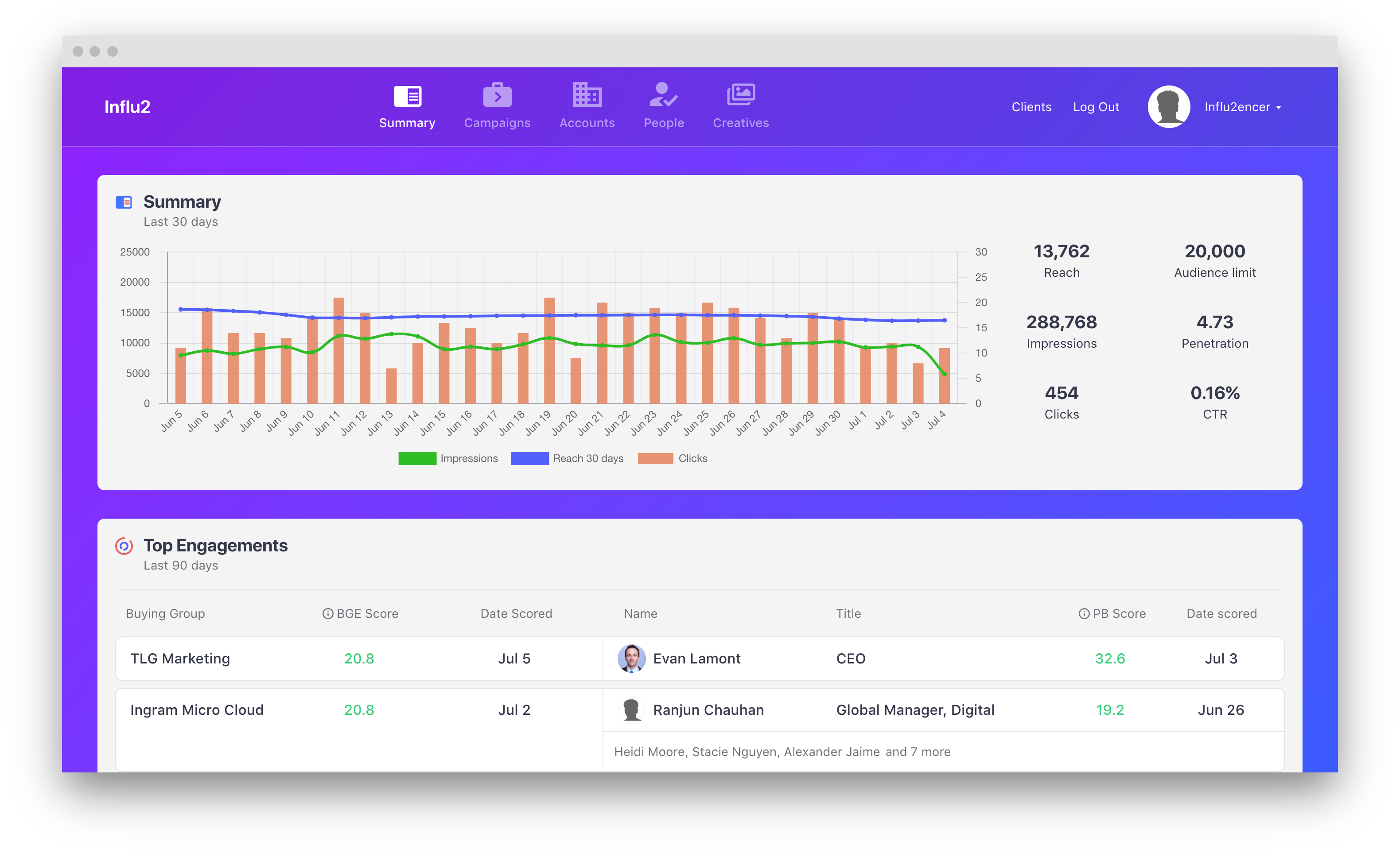
2. Scroll down until you see 'CRM Integrations' and click 'Settings' next to your connected HubSpot account. If you haven't connected your account yet, follow this guide.
3. Select the metrics you want to use for HubSpot workflow building.
4. Ensure that properties are created properly. Follow this guide to ensure properties are created correctly.
5. In HubSpot, go to Automation > Workflows and select 'Start from scratch' under a 'Contact-based' workflow.
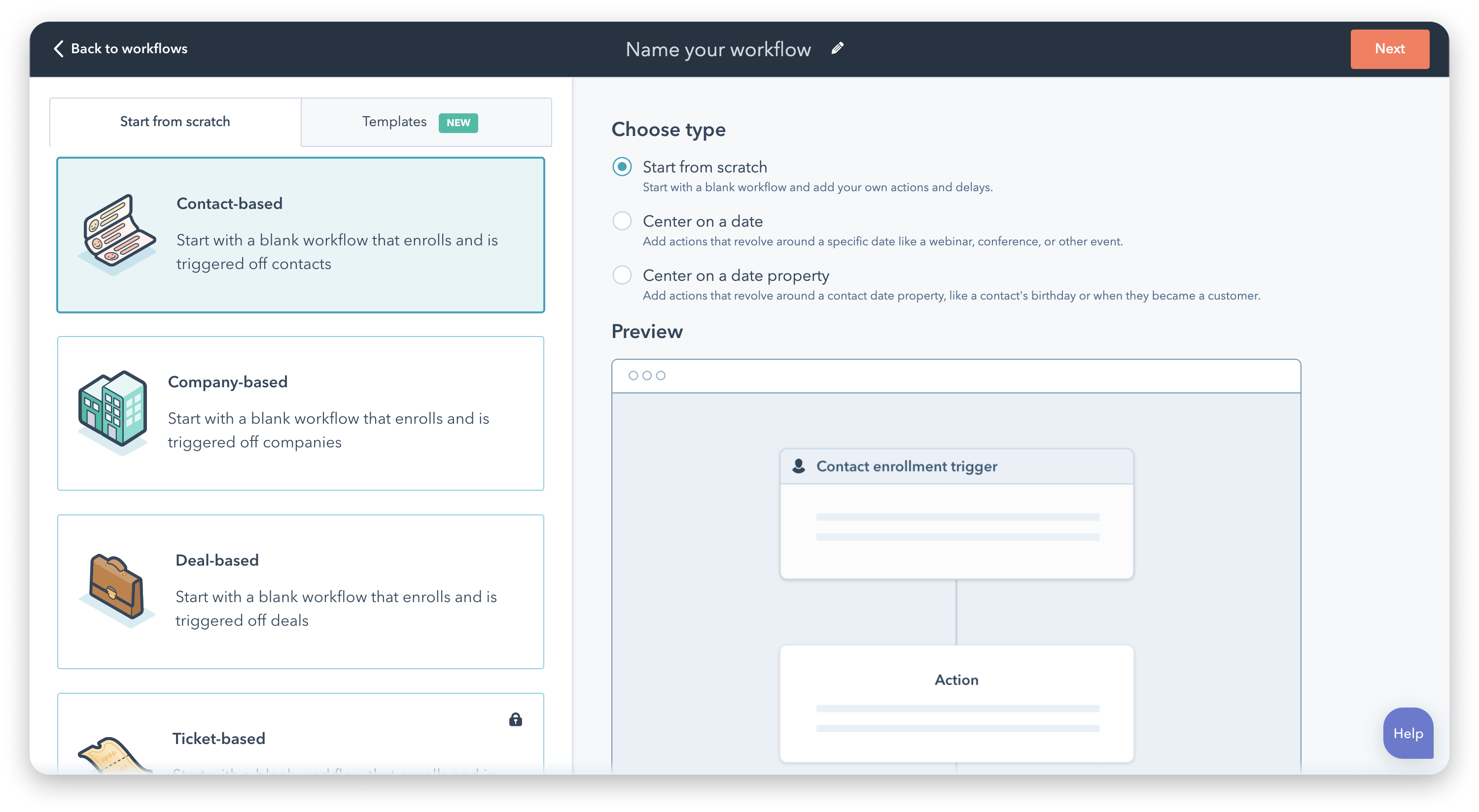
6. Start building the workflow. For demonstration purposes, see below for an example of how to set the workflow for 'Influenced by Influ2'.
7. Set up the re-enrollment triggers for the workflow to pass Influ2 activities to your HubSpot fields.
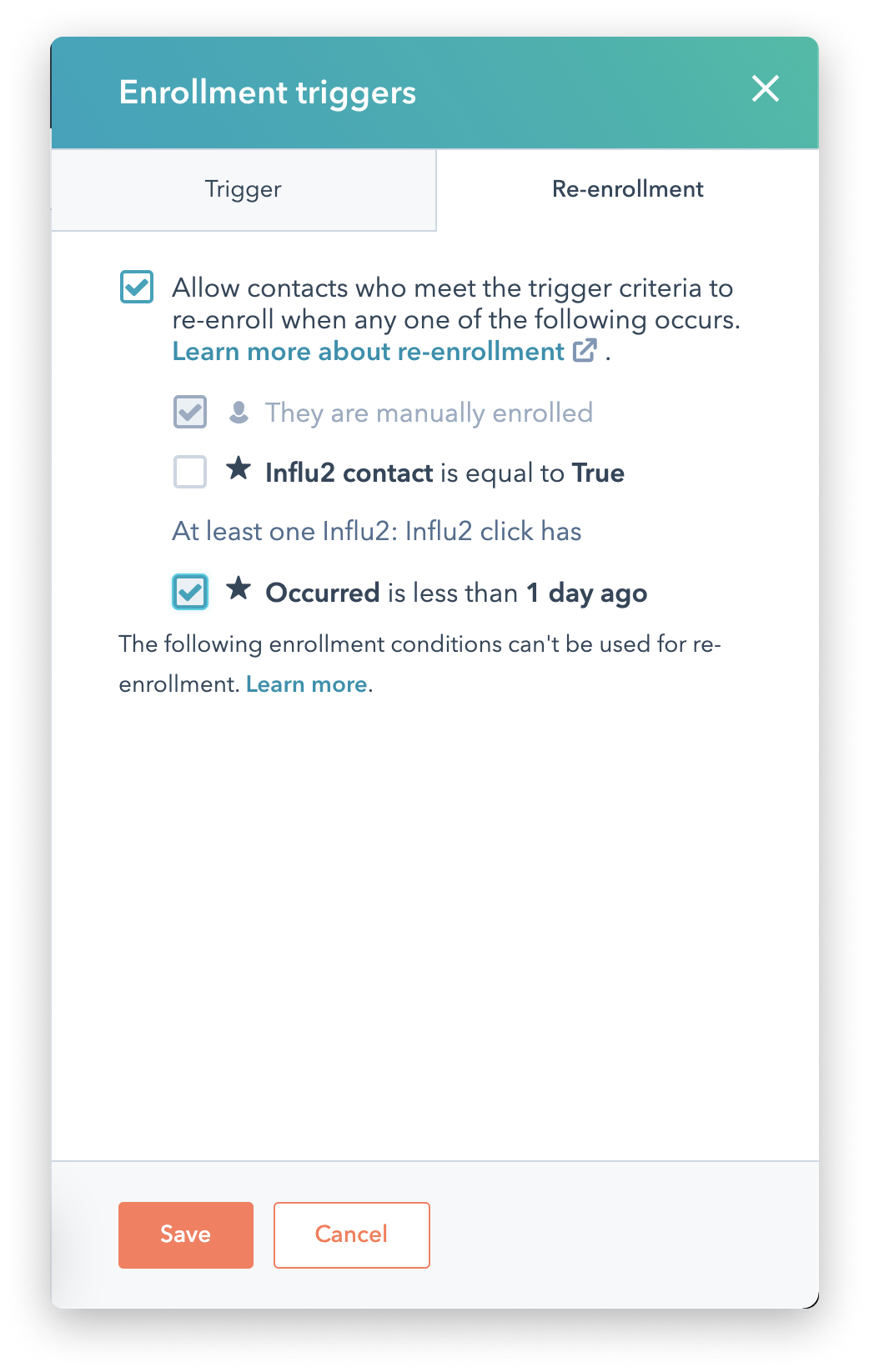 |
8. Edit the settings to have the following options selected:
9. Finally, ensure the workflow is turned on. Once ON, you have completed the flow! Repeat these steps for any other workflows you'd like to build with Influ2 metrics.
Comments
0 comments
Please sign in to leave a comment.