Before creating a segment in Eloqua, make sure you have connected Eloqua to Influ2 properly using this guide.
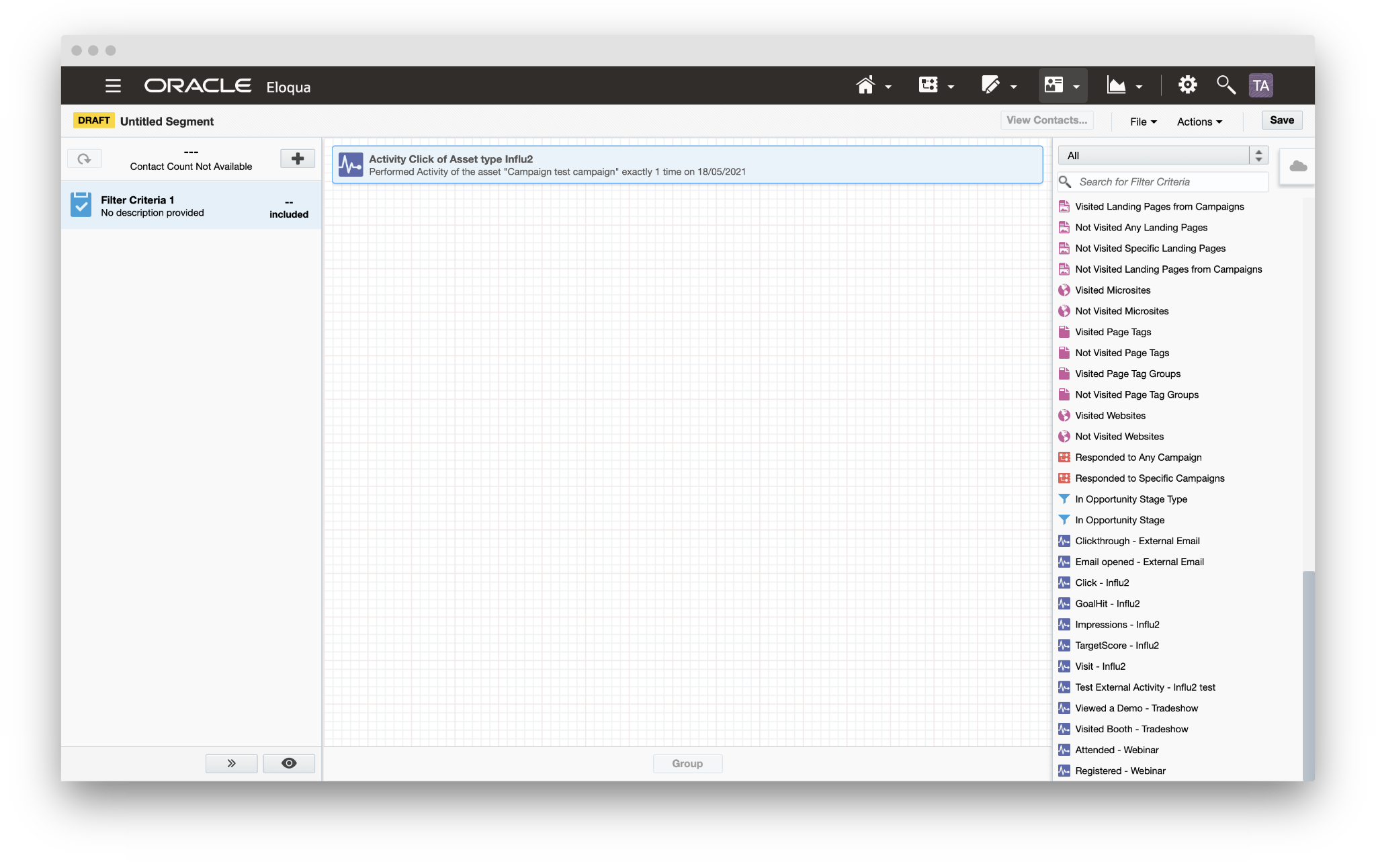
1. Open 'Segment Creator' inside of Eloqua.
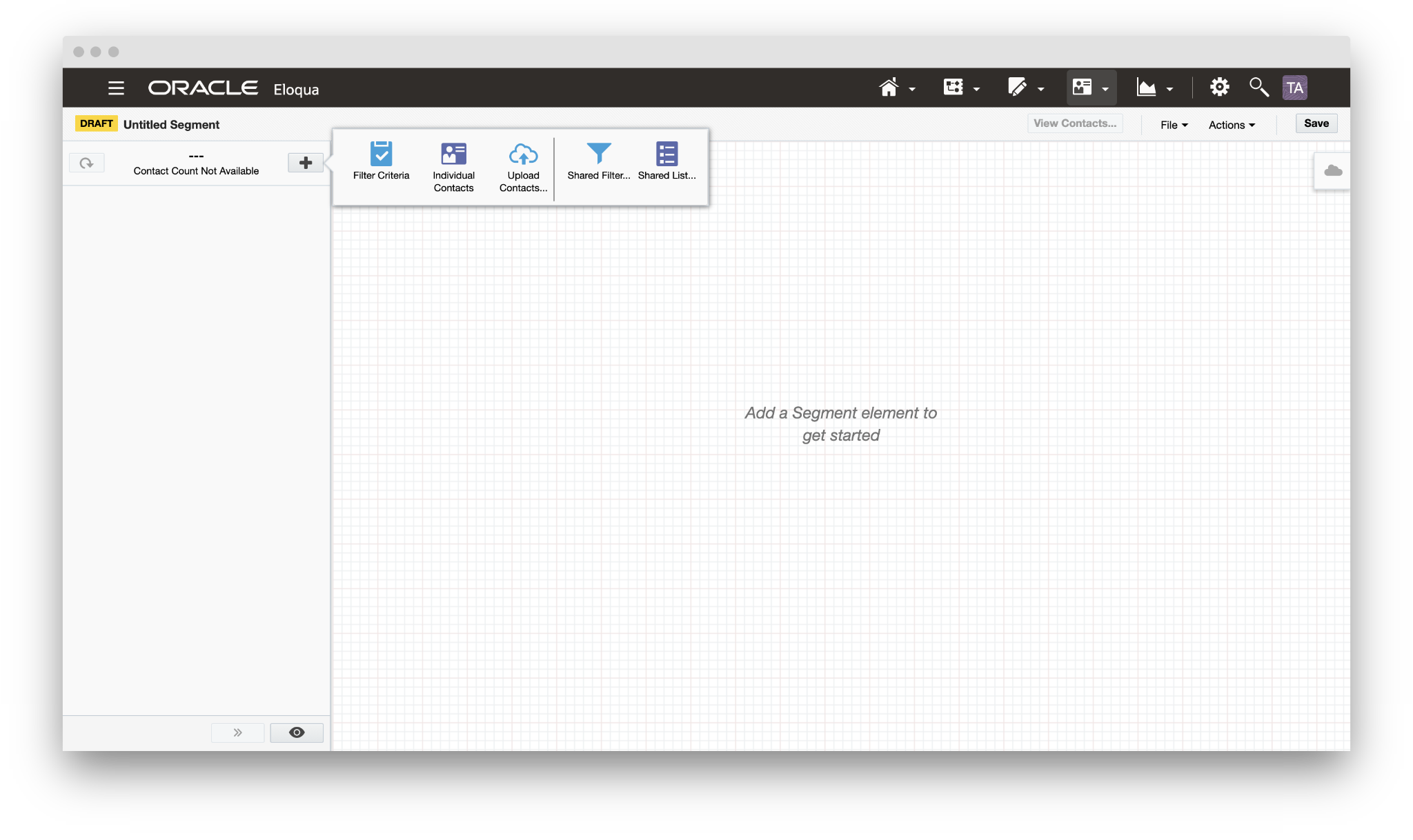
2. Click the '+' button and choose 'Filter Criteria'.
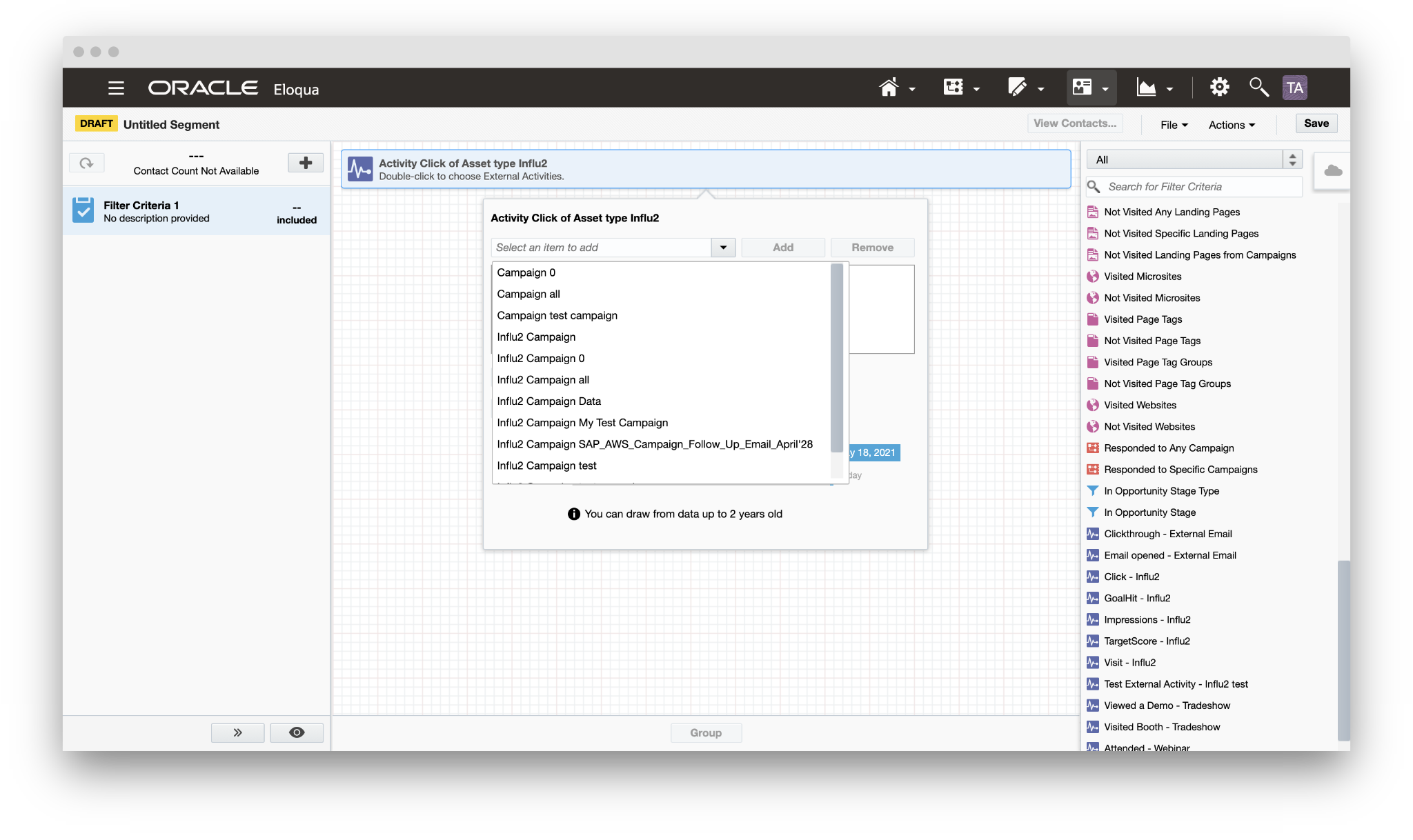
3. Add the desired event (Impression, Click, Visit, Goal hit) and define a campaign based on where the event will come from.
Important: The campaign names are pushed from Influ2.
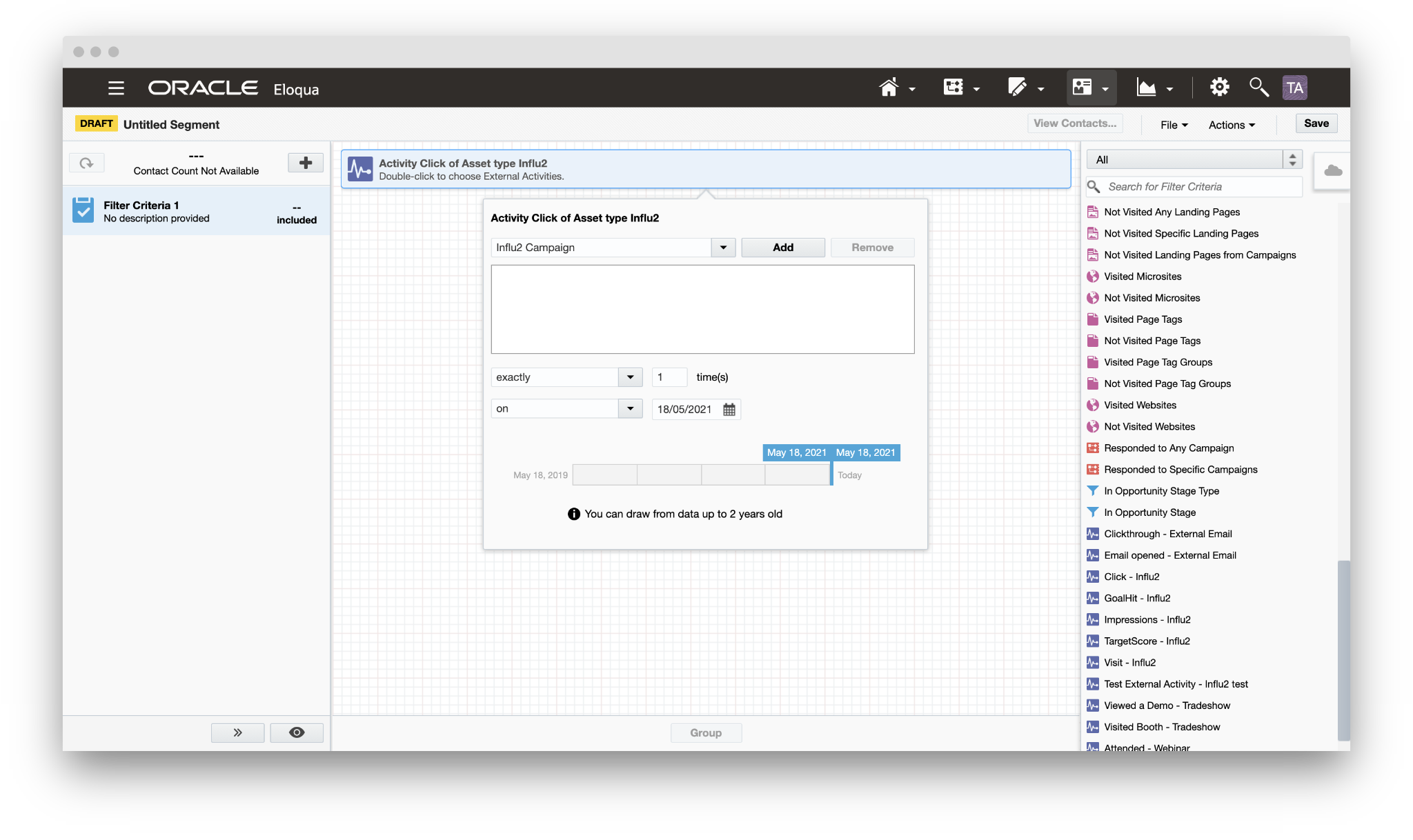
4. Define filter criteria, then click 'Save' in the top right corner.
Comments
0 comments
Please sign in to leave a comment.