Video Ad Best Practices
Last updated: October 15, 2026
Video ads are one of the fastest ways to build familiarity with a buying group before your sales team ever reaches out. Here's how to spec, build, and place video content that performs well and clears moderation on the first try.
Video specs at a glance
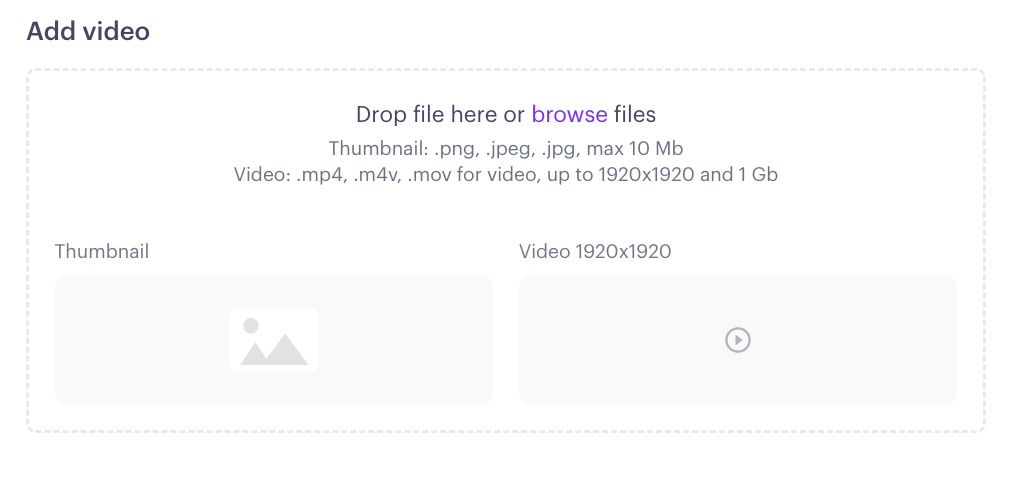
Before you upload, make sure your file meets these requirements (you'll see the same checklist on the content creation screen):
Max resolution: 1920×1920
Max file size: 1GB
Supported formats: .mp4, .mov, .m4v
Thumbnail: max 10MB
Vertical video for Stories and Reels: On the Social tab, you can add optional vertical versions of your video, 4:5 (1440×1800) and 9:16 (1440×2560). Each vertical version needs its own thumbnail at the same size, so upload both a video and a thumbnail, or neither.
Best practices for video content
Hook in the first three seconds. Most viewers decide whether to keep watching almost instantly. Lead with your strongest visual or message. Don't save the main point for the end.
Design for sound off. Most social platforms autoplay video muted. If your message depends on audio, it needs to also work as pure visual storytelling, or you need captions.
Add text overlays for context. Influ2 lets you add supplementary text directly to video content, so key messages land even when a viewer is scrolling with the sound off.
Keep it short. Shorter videos (15–30 seconds) tend to hold attention better in a feed environment than long-form content. Save deeper explanation videos for a landing page or a follow-up piece of content.
Put a face on it. Videos featuring a real person (a sales rep, a customer, an executive) build familiarity faster than polished, faceless motion graphics. This works especially well for sales rep introduction ads and case study content.
Focus on one message — and make it memorable. In Influ2's Buyer Signals & Ad Strategy webinar, Radish's Chris Willocks and Influ2's Anna Tsymbalist made the case that most B2B ads get forgotten because they lean on vague, interchangeable messaging. Video's advantage is that it can stand out where static ads can't.
Use motion deliberately, avoid generic B2B phrasing, and don't be afraid to trigger a real emotional reaction (joy, surprise) rather than defaulting to purely rational claims. A clear, distinctive, emotionally engaging video is far more likely to be noticed and remembered.
Lead with a clear next step. End with one specific call to action rather than several competing ones, ex. book a call, watch a demo, read a case study.
Where video fits in the buyer journey
Video works at nearly every stage, but it’s especially strong in a few spots:
Sales rep introductions — a short clip of the rep who'll be reaching out makes cold outreach feel warmer.
Demo show-up and no-show follow-ups — a quick reminder or recap video keeps momentum after a meeting is booked.
Case studies and customer stories — hearing a real customer explain results carries more weight on video than in static copy.
For the full stage-by-stage content framework, see Creating High-Impact Ad Content: Best Practices and Real-Life Examples.
Time it to buyer signals, not just journey stage
Remember: not all signals carry equal weight, and reading them by sequence, recency, consistency, and relevancy leads to better-timed outreach than a static lead or account score.
Apply the same thinking to video. A sales rep intro video lands differently on a contact who just started engaging, than on one who's been consistently clicking your ads for weeks. Check Signals Center for that context before deciding which video to serve next.
Avoiding moderation issues
Video ads go through the same two-level review as any other creative: Influ2's media buying team, then the platform (Meta, LinkedIn, Google, Microsoft, Amazon). A few video-specific things to double-check before you submit:
Captions or on-screen text are accurate and free of typos
Any on-screen buttons or UI mockups in the video are purely illustrative, not implying real interactivity
The video doesn't rely on a landing page that breaks the same rules covered in Top Reasons Ads Fail Moderation
Editing a video once it's live
Need to swap a video after it's already running? Live content can't be edited directly — you'll need to loop in your Implementation Manager or Customer Success Manager to move it back into moderation first. See How to edit content for the full process.