How to edit content
Last updated: April 19, 2026
Need to make updates to your ad creative? Whether it's still in draft or already live, here's how to edit your content.
Edit unmoderated content
Go to the Content page.
Find the content you want to edit and click the pencil icon.
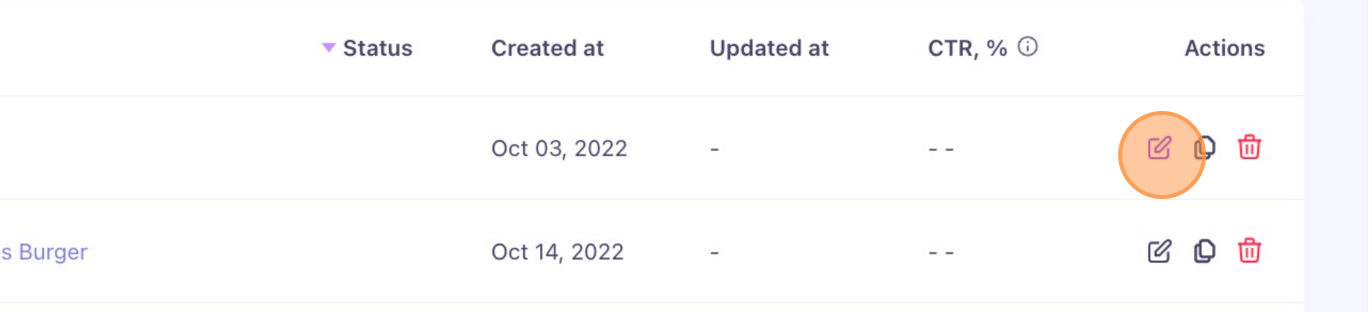
Make your adjustments and click Save.
Done. Your changes are saved and ready to use.
Edit moderated or live content
For content that's already live, you can't edit it directly. Here's the process:
Contact your Influ2 Implementation Manager (IM) or Customer Success Manager (CSM) with a list of the content you want to edit and a brief description of the changes.
Your team will place the content back into moderation so you can make the updates.
Once edits are complete, notify your Influ2 contact again to relaunch the content.
Changes to live content may take 1–2 days to take effect across all ad networks.