How to import your revenue data into Influ2
Last updated: April 20, 2026
The Influence Dashboard helps you track how your ads impact your organization's pipeline and revenue. If you created cohorts by manually uploading target lists, you need to import your revenue data so Influ2 can measure that impact.
Before you start
You'll need a revenue report exported from your CRM. The specific report depends on your system:
Salesforce users: Export based on Opportunity History. (See How to export the Opportunities report from Salesforce.)
HubSpot users: Export the Deals report. (See How to export the Deals report from HubSpot.)
No CRM integration: You can upload a CSV, XLS, or XLSX file with opportunity data (max 150,000 rows, minimum 8 columns).
Import your revenue report
Log into your Influ2 account, go to the Dashboard, and click Import opportunities.
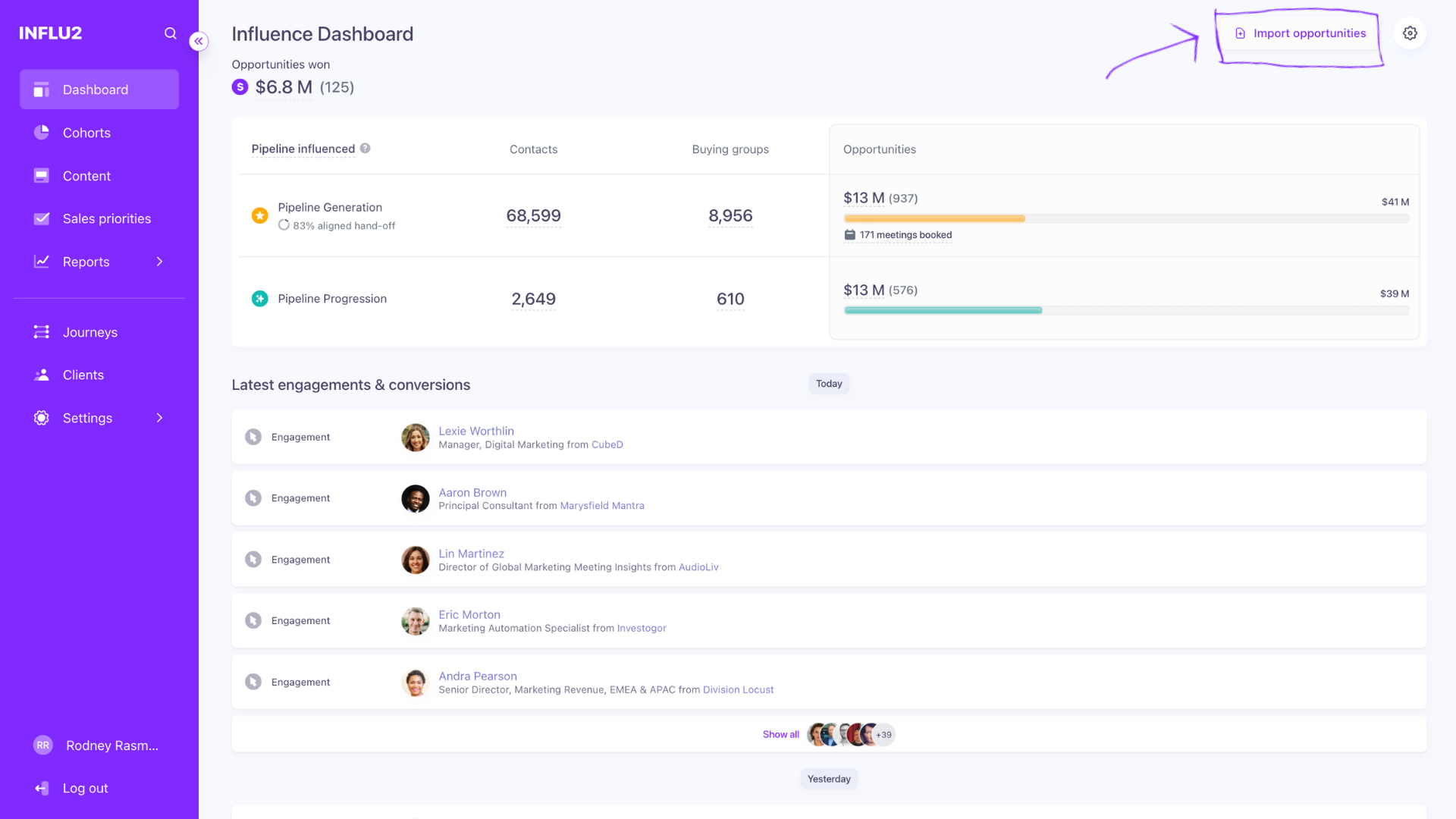
In the side panel that appears, drop your report file or browse and upload it from your device.

Follow the workflow to map your fields, check the opportunities, and submit.

Map your fields
Map the fields from your export file to Influ2's system fields. Here's how:
From Salesforce:
Opportunity Name → Opportunity Name
To Stage → To Stage
From Stage → From Stage
Amount → Amount
Last Modified Date → Last Modified Date
Opportunity Owner → Owner
Opportunity ID → Opportunity ID
Account Name → Account Name
Pipeline → Opportunity Record Type
From HubSpot:
Deal Name → Opportunity Name
Deal Stage (Current) → To Stage
Amount → Amount
Last Modified Date → Last Modified Date
Deal Owner → Owner
Record ID → Opportunity ID
Deal Company (Primary) → Account Name
Deal Type (Pipeline) → Opportunity Record Type
Keep in mind: If any required fields are missing from your file, opportunities with missing data won't be imported into Influ2.
Configure your pipeline stages
After successfully importing your opportunities, Influ2 will prompt you to configure your pipeline stages. This step defines how opportunities flow through your funnel and which stages indicate pipeline generation, progression, and won deals.
Your opportunities data is now imported. Next, specify the active pipelines and assign the stages that define opportunity movement from Pipeline Generation to Pipeline Progression to Deal Won. See How to define pipeline stages to measure ad impact on revenue for details.