To begin your Marketo integration journey, you need to first connect it to Influ2! Follow these step-by-step instructions to get started with your integration.
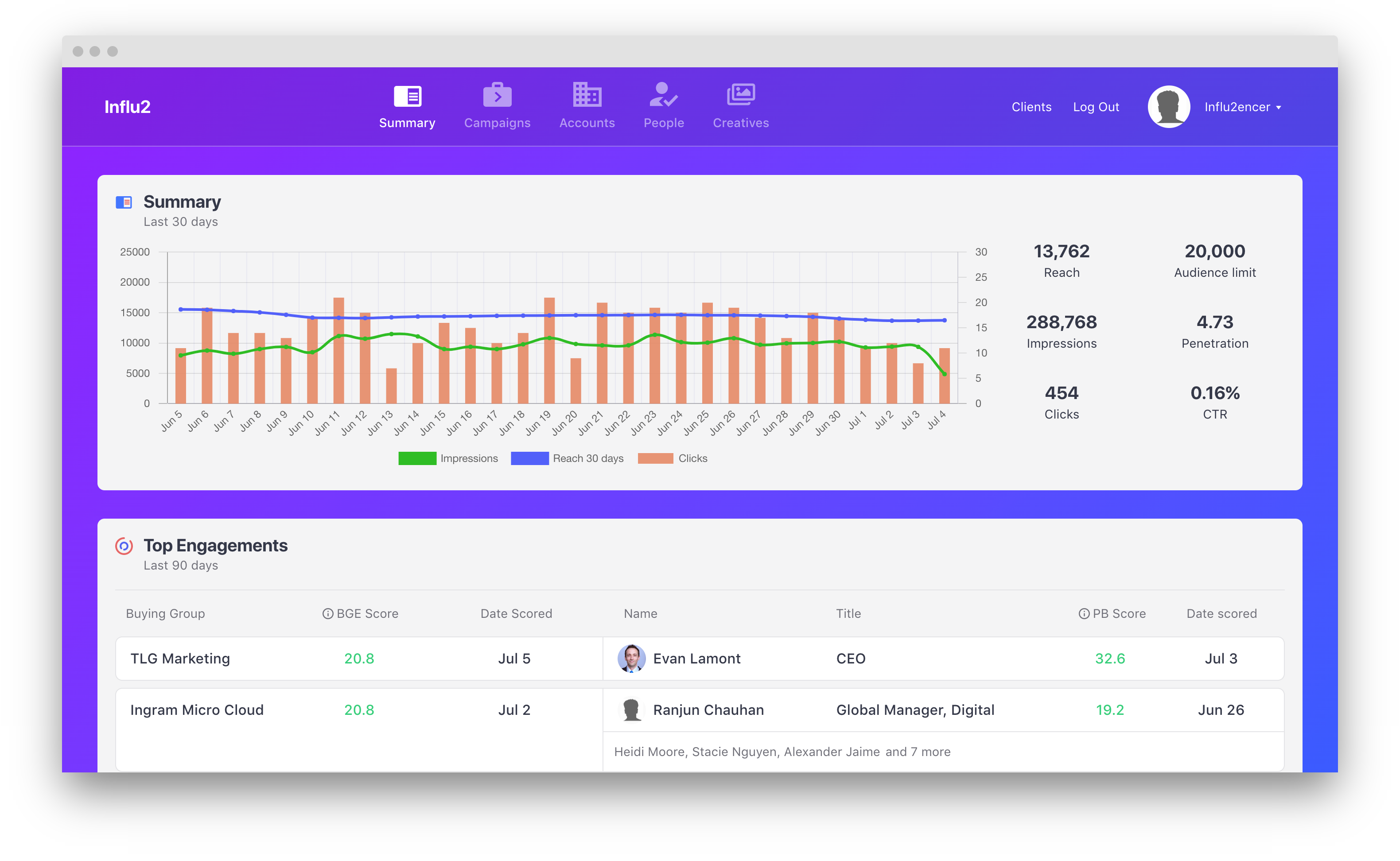
1. To connect your Marketo integration, log in to Influ2. To access your ‘Account Settings’ click on your name in the top right of the screen.
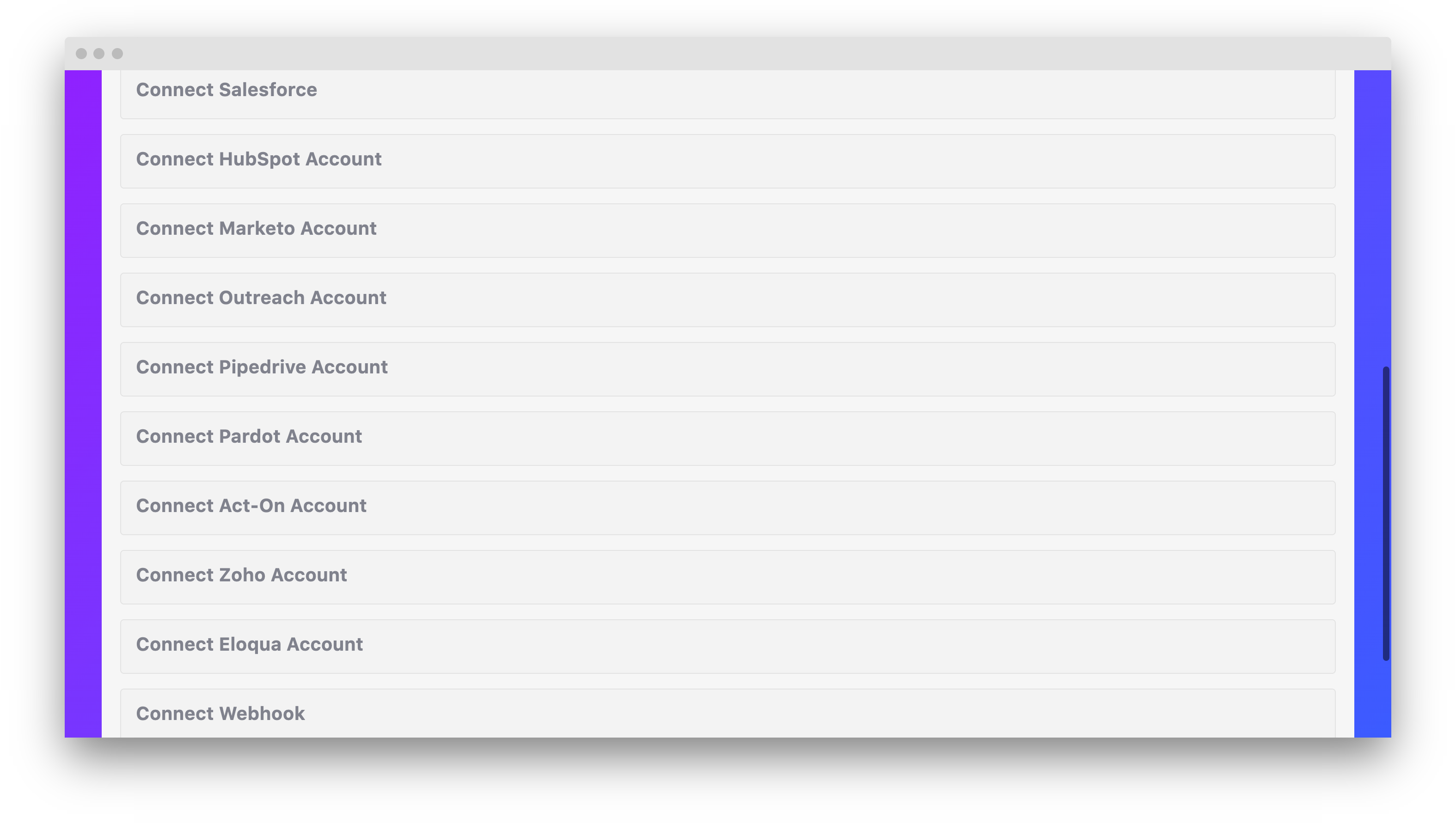
2. Scroll down until you see ‘CRM Integrations’ and click ‘Connect Marketo Account’.
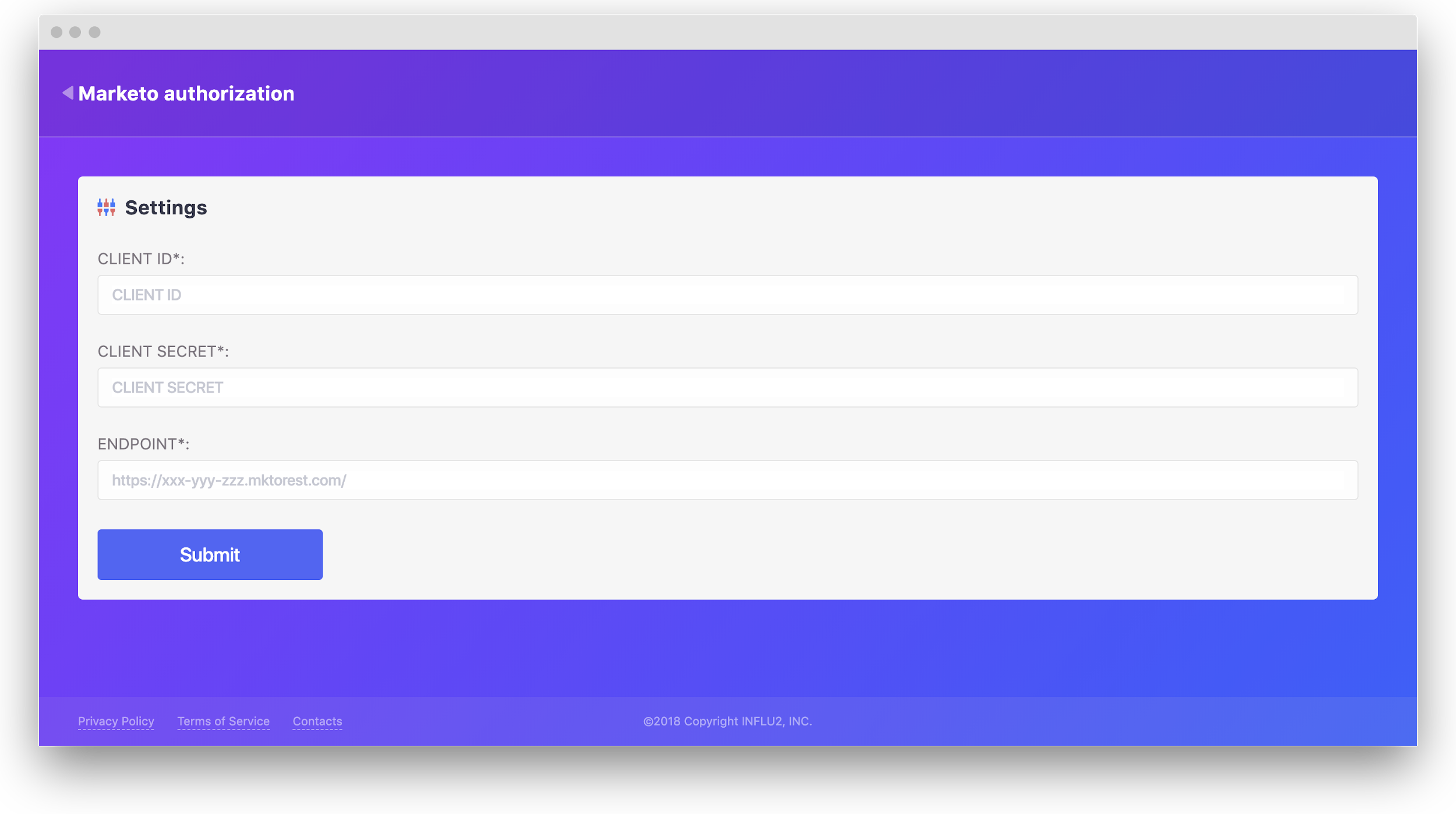
3. After clicking into your Marketo Account, you will be brought to an authorization page. Log in with your credentials. If you need to create a new Marketo user for this step, follow this guide.
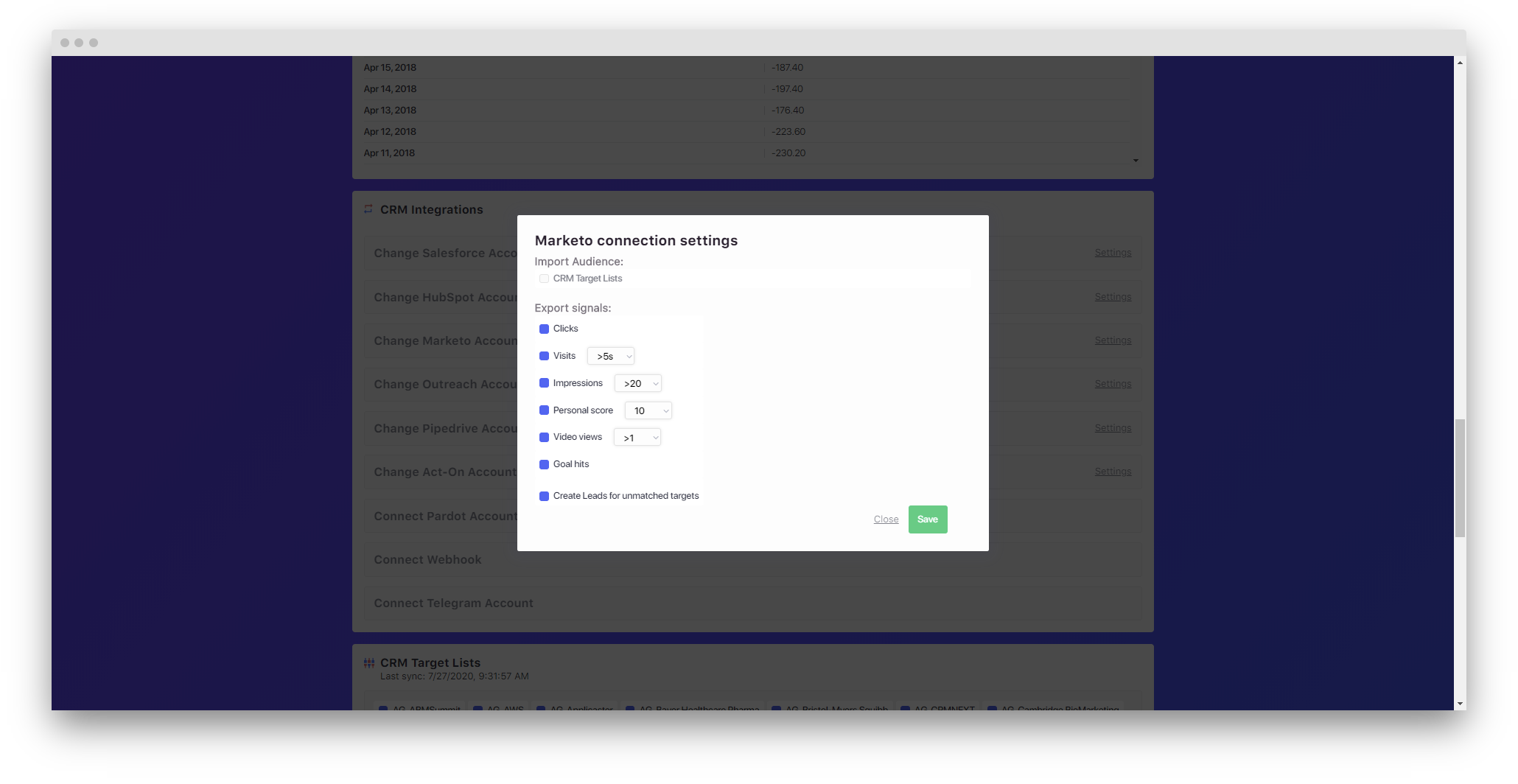
4. Choose the necessary settings for the connection.
- Export signals — define an action upon which Influ2 will send events to Marketo.
- Create leads for unmatched contacts — if Influ2 could not find the lead in Marketo, it’ll be automatically created and the event will be sent.
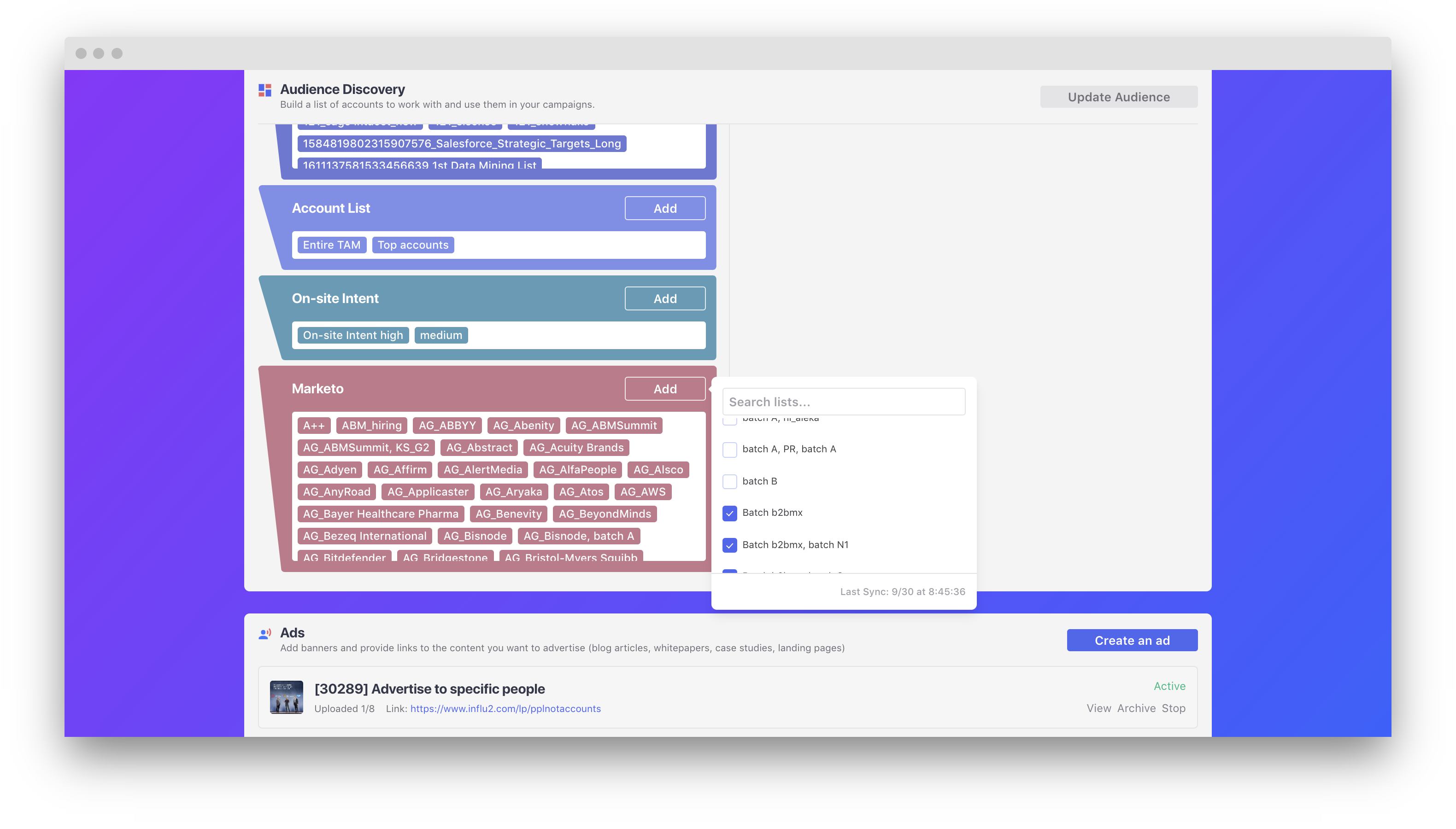
5. From the Audience Discovery campaign page, you can now target Marketo lists within Influ2.
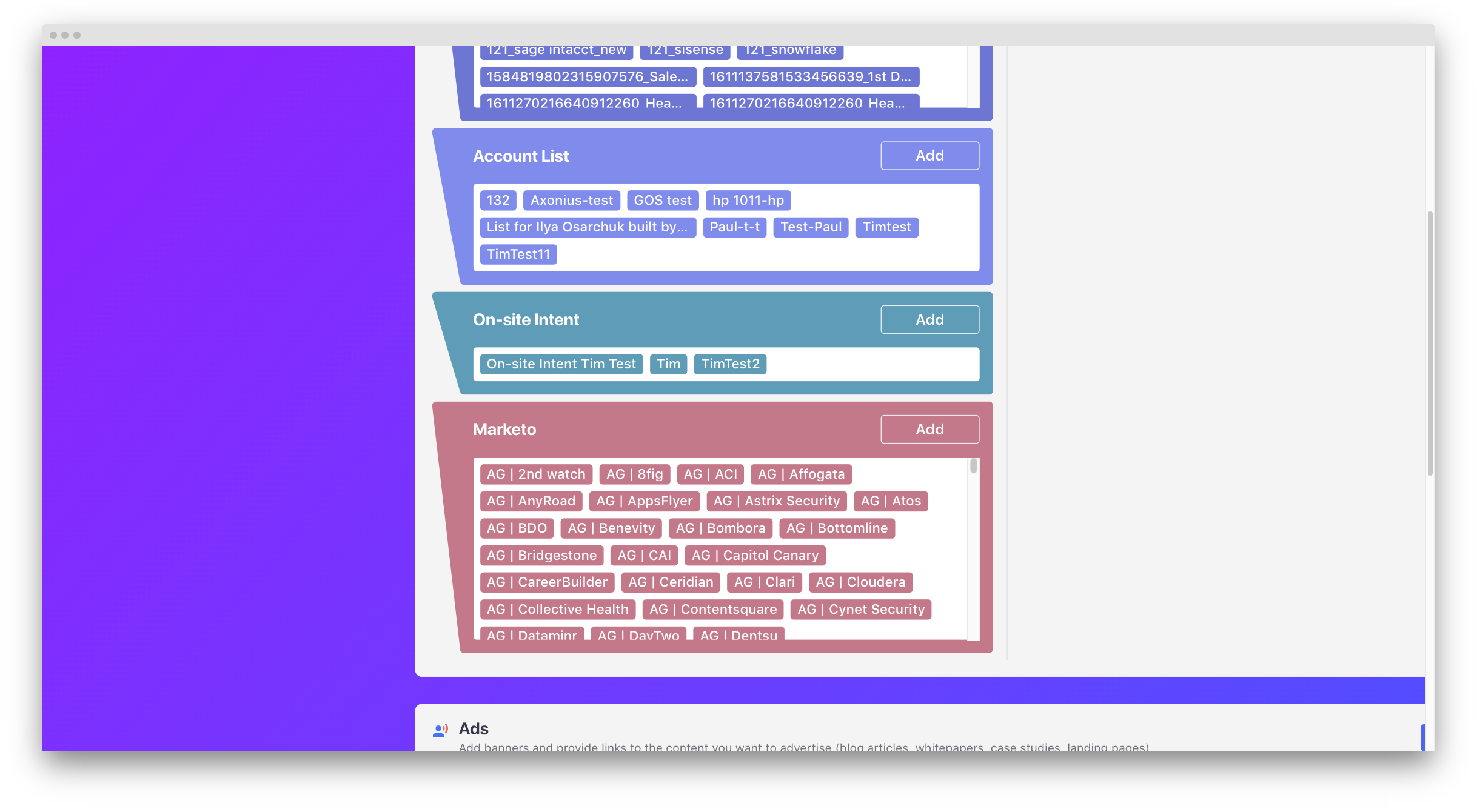
6. Click the 'Add' button and you’ll see all the lists from your Marketo integration. Select the lists that you want to target via Influ2, and we’ll start syncing them.
Comments
0 comments
Please sign in to leave a comment.