How to Create a New Program
Last updated: April 27, 2026
Creating a Program is the first step to running a coordinated ABM campaign in Influ2. Once it's set up, you can build your audience, map out a buyer journey, and connect your campaigns and CRM actions — all in one place.
Before you start
You'll need an Admin or Manager role to create programs.
Steps
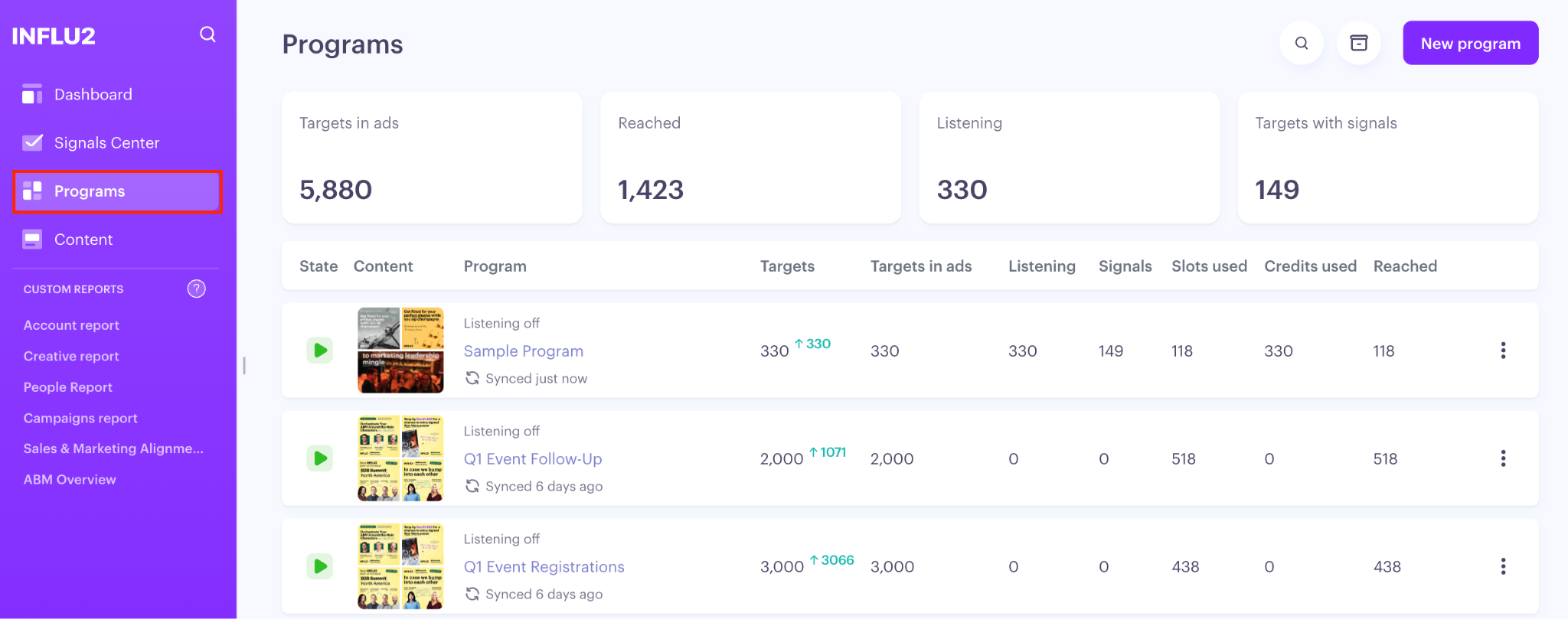
Go to Programs in the sidebar.
Click New program in the top right corner of the Programs List.
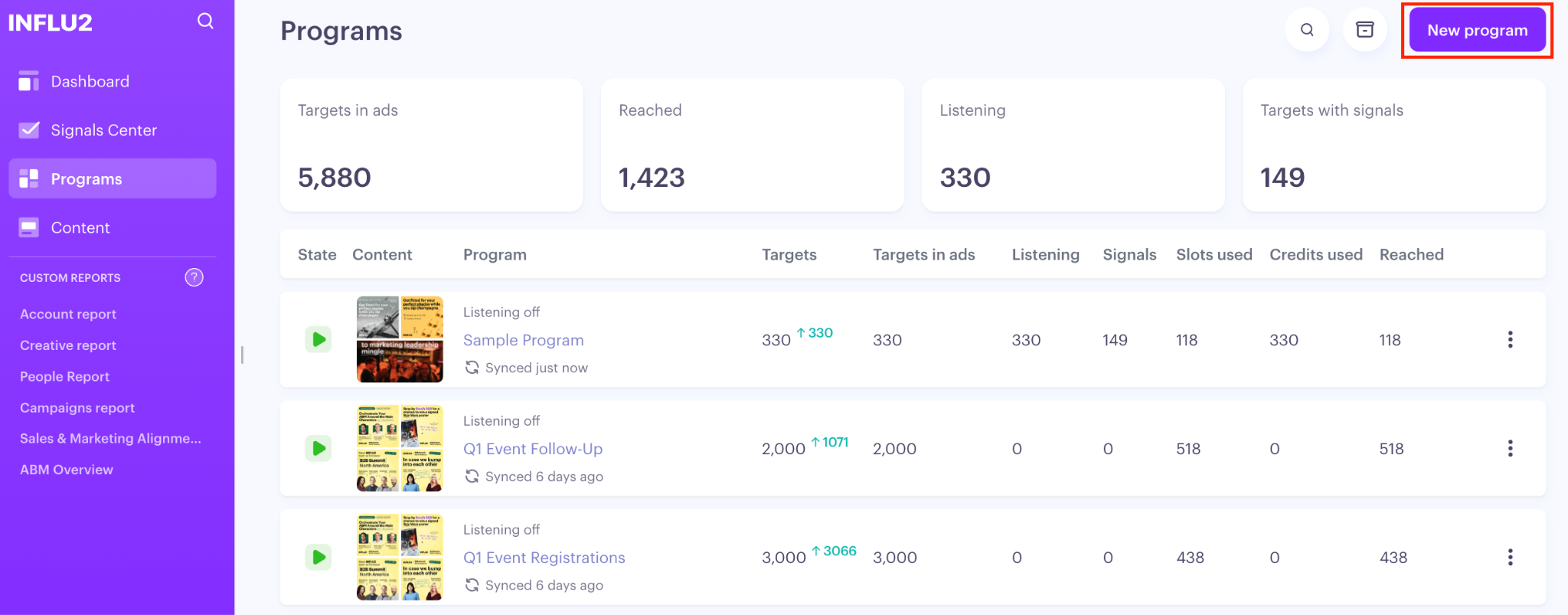
A new program screen opens. Enter a name for your program.
Keep in mind: Program names must be unique. If you enter a name that's already in use, Influ2 will ask you to choose a different one.
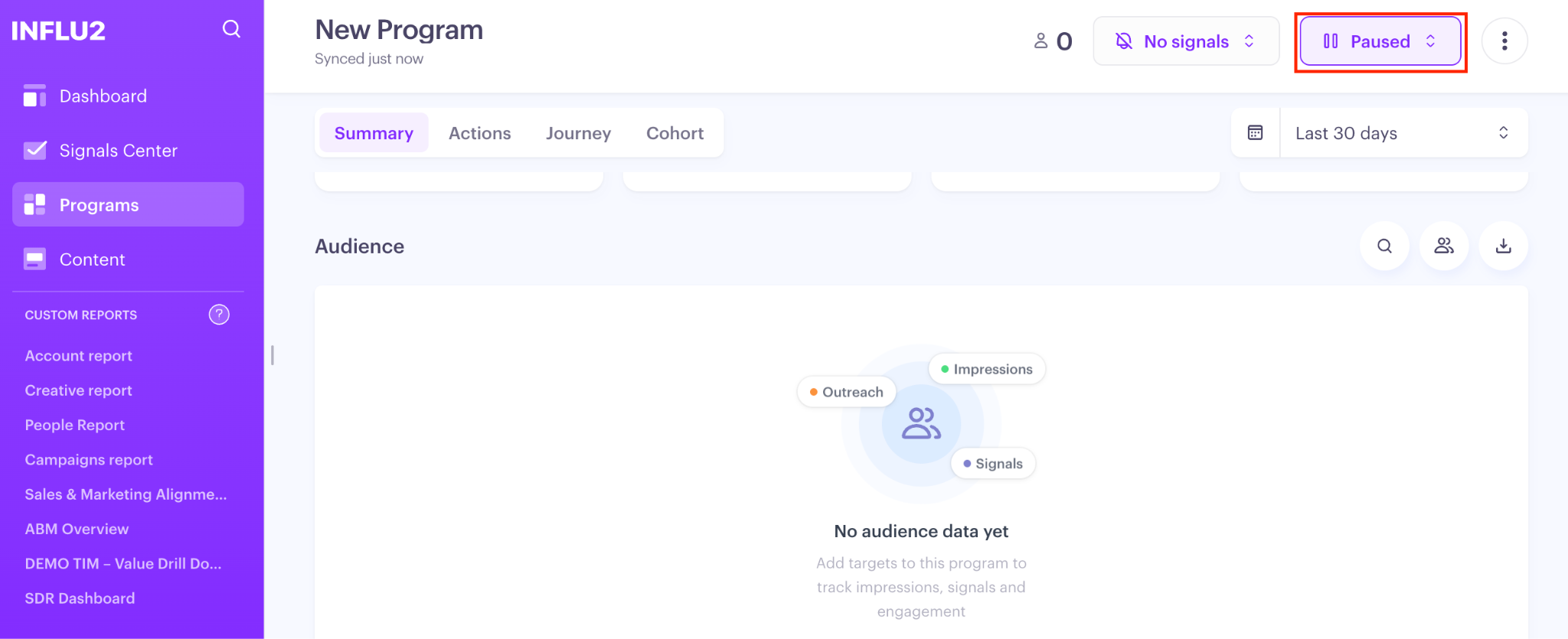
Confirm. Influ2 creates the program and takes you straight to the Summary tab of your new program.
Your program starts in Inactive (Paused) state, so nothing runs until you're ready to activate it.
What you'll see
You land on the Summary tab with a blank program ready to configure. From here, the typical next steps are:
Cohort tab — add your audience from Salesforce, HubSpot, or another CRM
Journey tab — build the stages and steps your targets will move through
Actions tab — attach campaigns, CRM actions, and sales sequences to each stage
What's next
Head to the Cohorts tab to add your first audience segment.