What archiving a program means for your account
Last updated: July 29, 2026
Archiving is how you keep your Programs tab focused on what’s live. It lets you clear finished programs from your list and frees up content capacity without losing any of the historical data. If you’ve ever hesitated to archive because you weren’t sure what happens to your numbers, this article walks through exactly what changes and what stays put.
What archiving does
When you archive a program, four things happen:
It stops running. Archiving halts everything the program was doing — ad delivery, CRM and sales actions, sequences and cadences, audience sync, and signal collection. This is the same scope as pausing; the difference is what happens to the program afterward.
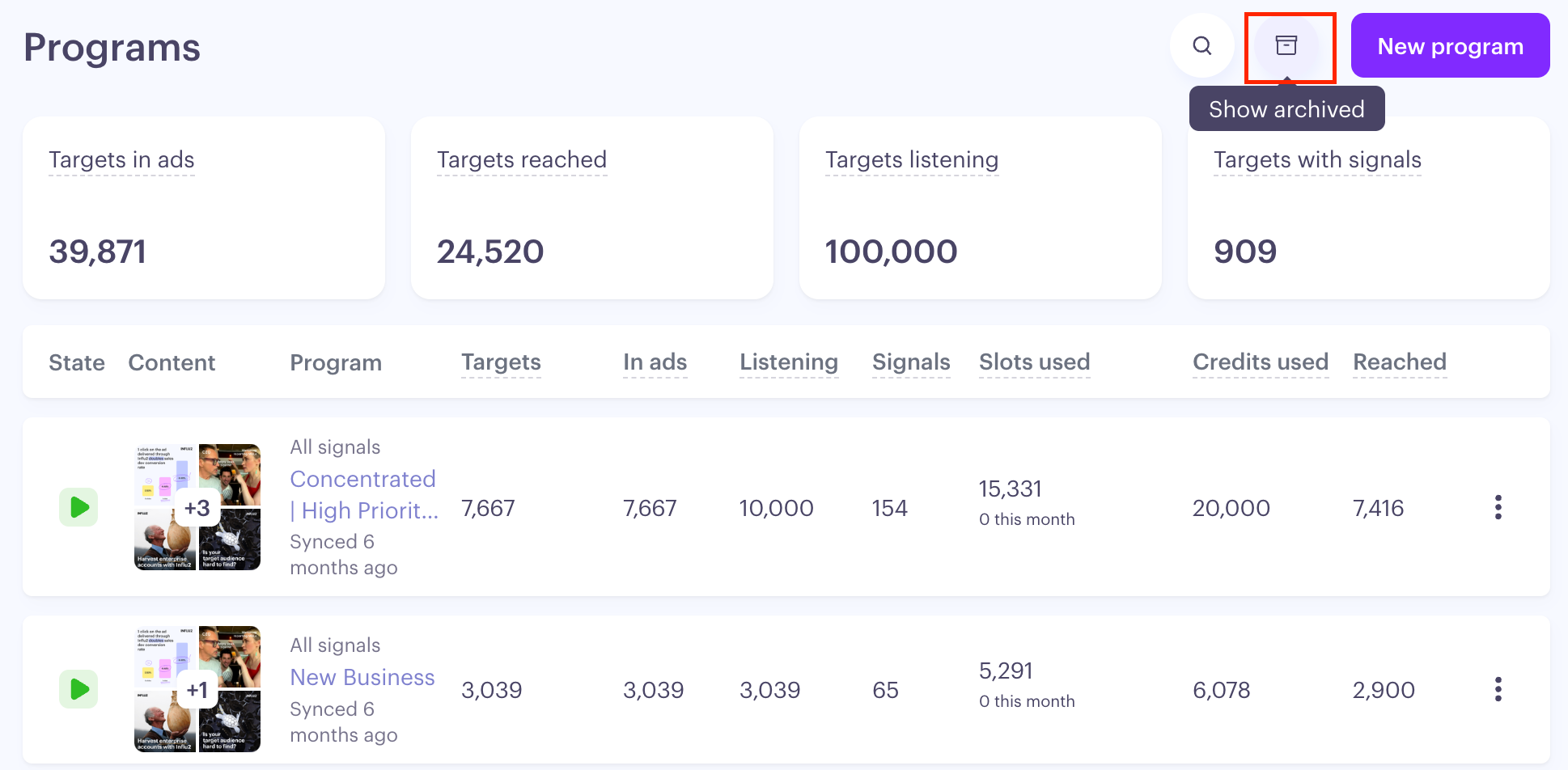
It leaves your active list. The program disappears from the default Programs List view and drops any row menu, so it’s set aside rather than cluttering your day-to-day workspace.
It stops counting toward your active totals. The account-level scorecards at the top of the Programs List stop including it, so your headline numbers reflect only what’s active. This can take up to about 24 hours to update after you archive.
It frees active-content space. This is usually the reason to archive — and it’s covered in its own section below.
Your data and reporting stay intact
This is the part you may be wondering about, so it’s worth being clear: archiving never deletes data.
Every number the program generated stays in your reports for historical reference. Archiving changes what’s counted in your active totals — it doesn’t erase history.
The program’s own Summary tab, audience table, and metrics remain fully accessible. You can open an archived program and see everything it did.
Export still works. You can download the full audience table from an archived program’s Summary tab at any time — no special permission needed.
Slots the program already used stay recorded in your subscription history. They’re a historical count, so they don’t disappear when you archive.
The practical takeaway: you can always pull the complete performance story of an archived program later. Nothing about archiving locks you out of your own results.
What archiving frees up — and what it doesn’t
Archiving is the tool for reclaiming active-content capacity, and it helps to be precise about what that means:
Paused content still counts against your content limit. Pausing a program or a piece of content stops it from running, but it doesn’t give you the space back. Archiving is what actually frees it. If you’re bumping up against a content limit, pausing won’t solve it — archiving will.
This applies to both limits that can be in play: the per-stage limit (5 content campaigns per stage by default, or a custom number) and any account-wide active-content limit outlined in your subscription. Archiving takes the program’s content out of the active count.
Can you undo an archive?
Treat archiving as final. There’s no un-archive button, and archived programs don’t carry a row menu — so from your side, archiving is a one-way action. That’s deliberate: it keeps archived work cleanly separated from what’s live.
Don’t worry: If a program was archived by mistake, reach out to your CSM. Restoring an archived program is a manual step that can be handled by the Influ2 team on the back end if needed.
Before you archive: a quick checklist
Copy any content you’ll want to reuse. Do this before archiving, while the cards still have menus.
Check dependencies. If the program is used as an exclusion in another program, you’ll see a warning before archiving — review it so you don’t affect a live program’s targeting.
Export anything you want offline. Export still works after archiving, but grabbing it now keeps things simple.
Confirm you’re done. Restoring a program means a support request, so archive when you’re sure.
What’s next
For step-by-step instructions on how to pause, activate, or archive a program — see Managing Programs Status. If you’re weighing whether to archive to free up capacity and want a second opinion on your setup, your CSM is happy to help you think it through.