Welcome to Influ2!
Influ2 enables your marketing team to take multi-channel ad engagement data and turn that into actionable insights for your revenue departments. From building person-based campaign lists to running ad campaigns at every stage of the funnel – your teams perform the best with Influ2.
Before running your first campaign, you need to set up new users and integrations.
Logging in to Influ2
To start using Influ2, you first need to log in. Follow the steps below to get started:
1. Visit influ2.com and click 'Log in' in the top right corner of the page.

2. After clicking 'Log in', a new tab will open. Enter your work email address and password.
Note: if you don't know your password, please check your email for 'Influ2' or click 'Forgot your password'.
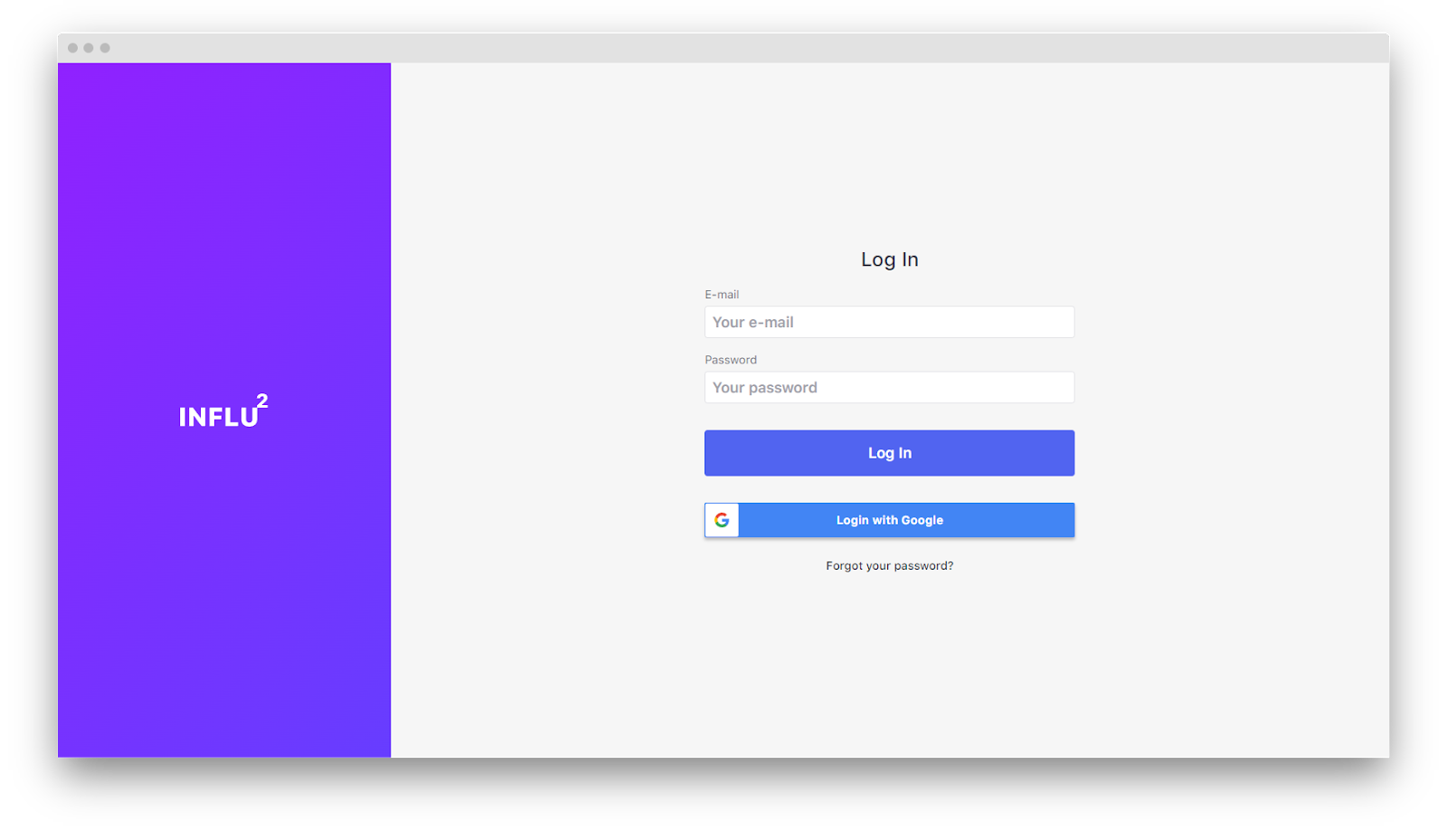
3. If your company uses Google email addresses, you can now login by clicking ‘Login with Google’. The benefits include:
- Using your existing credentials to authenticate your login.
- Receiving greater security and compliance.
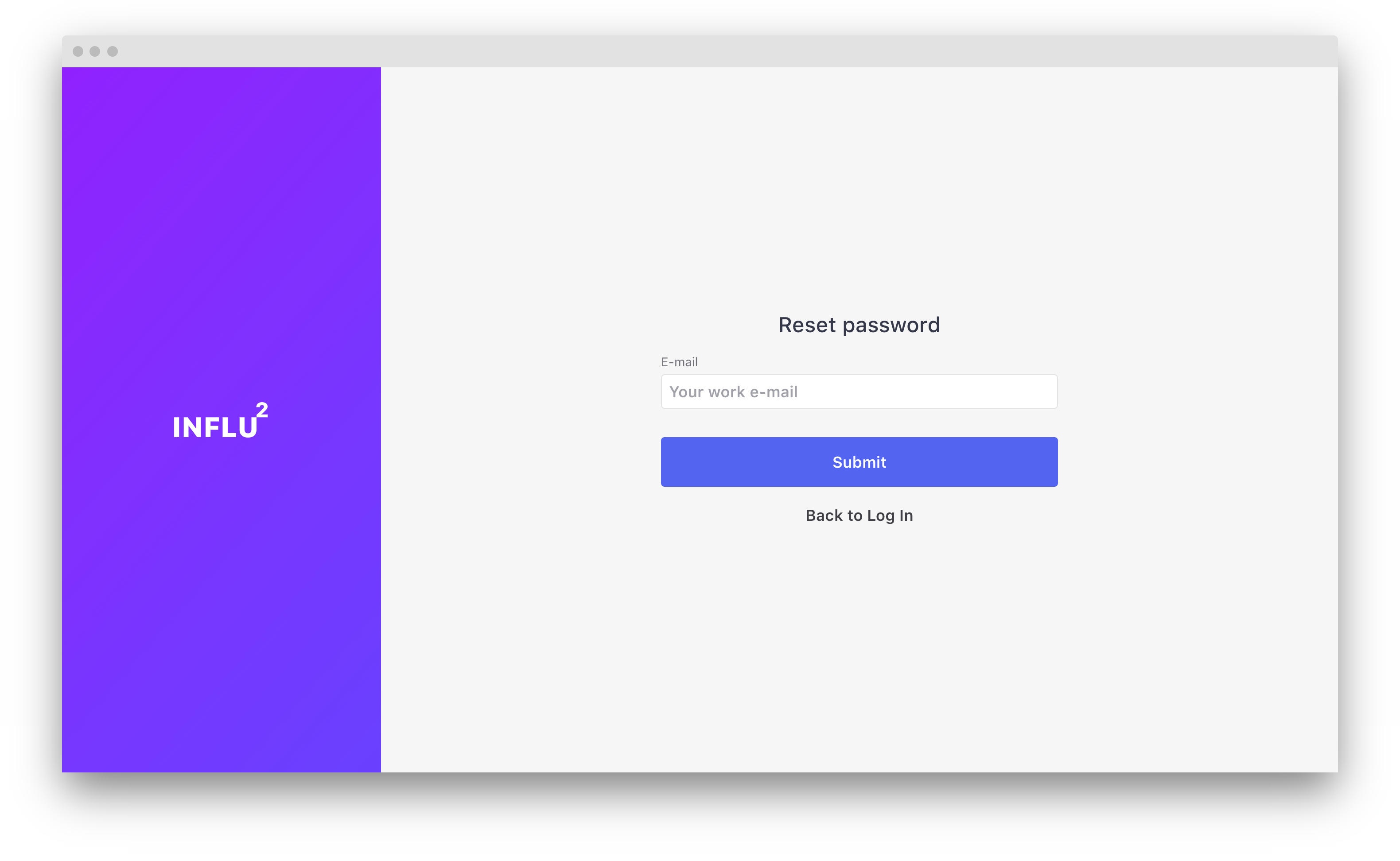
4. If you've forgotten your password, click 'Forgot your password' and you'll be redirected to the reset password page. Type in your work email address and click 'Submit'. Then, check your email and follow the prompts to login.
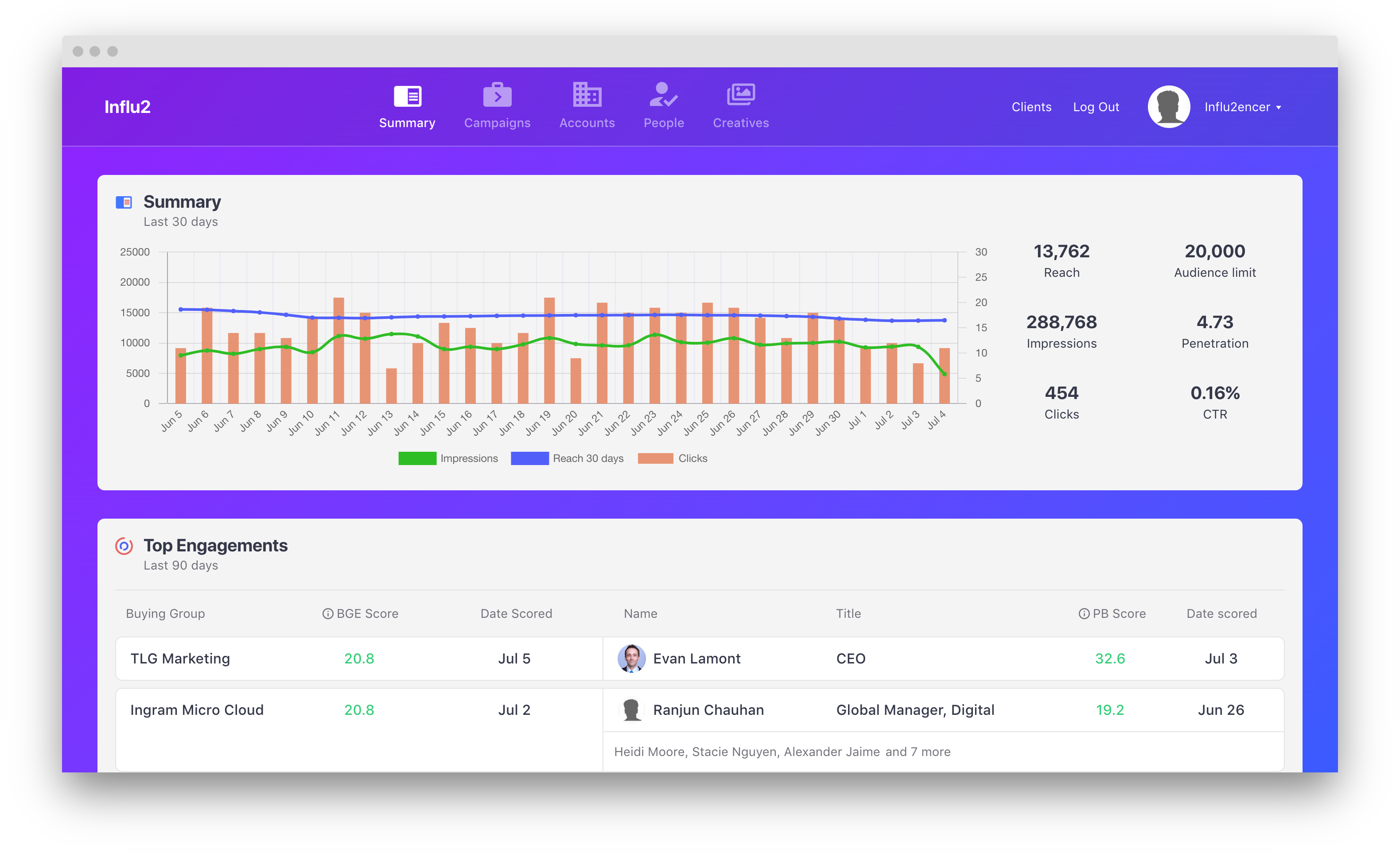
5. Once logged in, you can access all necessary pages to continue your setup.
Comments
0 comments
Please sign in to leave a comment.