Setting Up Audienscope Discover
Last updated: November 4, 2026
Audienscope Discover identifies buying intent from named buyers across your target market, surfaces the accounts they work for, and fills in the buying group you need to reach. You define your market once, and Audienscope Discover continuously finds new people and accounts showing intent that you can add to your target list.
With Audienscope Discover, you can:
Find opportunities beyond your radar. Your next best account might be one you haven't considered. Discover surfaces interested buyers across your market, helping you identify new accounts worth pursuing outside the ones you’re already listening to—even if they’re not in your CRM.
Expand into new markets and industries. Entering an unfamiliar market doesn't have to mean starting from zero. Use real buyer interest to uncover promising accounts and areas of opportunity, even when you're not sure where to focus first.
Build your ABM target list from scratch. Start with your market, not a predetermined account list. Discover lets intent from specific people put accounts on your radar, so your GTM team has a clear reason to go after every account.
This article walks you through how to get started with Audienscope Discover.
Before you start
You'll need the Admin or Manager role to define or edit a target market.
Audienscope Discover needs to be turned on for your account. If you don't see Define market criteria where the steps below describe, reach out to your Customer Success Manager.
Set up your intent topics in Settings → Account Setup first, if you haven't already. This is what Discover uses to track intent on the topics that matter to you.
Setting up your target market
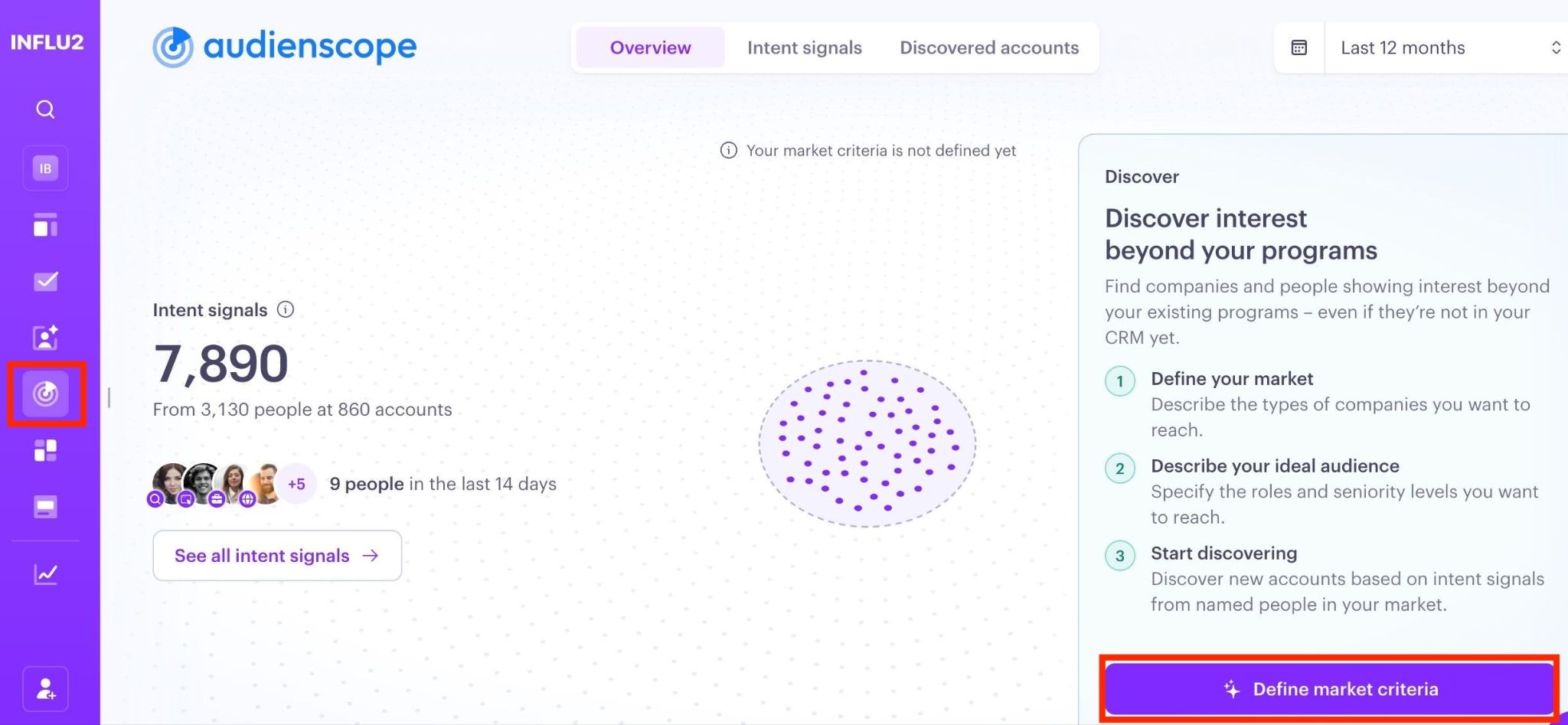
Go to Audienscope → Overview and click Define market criteria. This opens a chat with Influ2's setup agent.
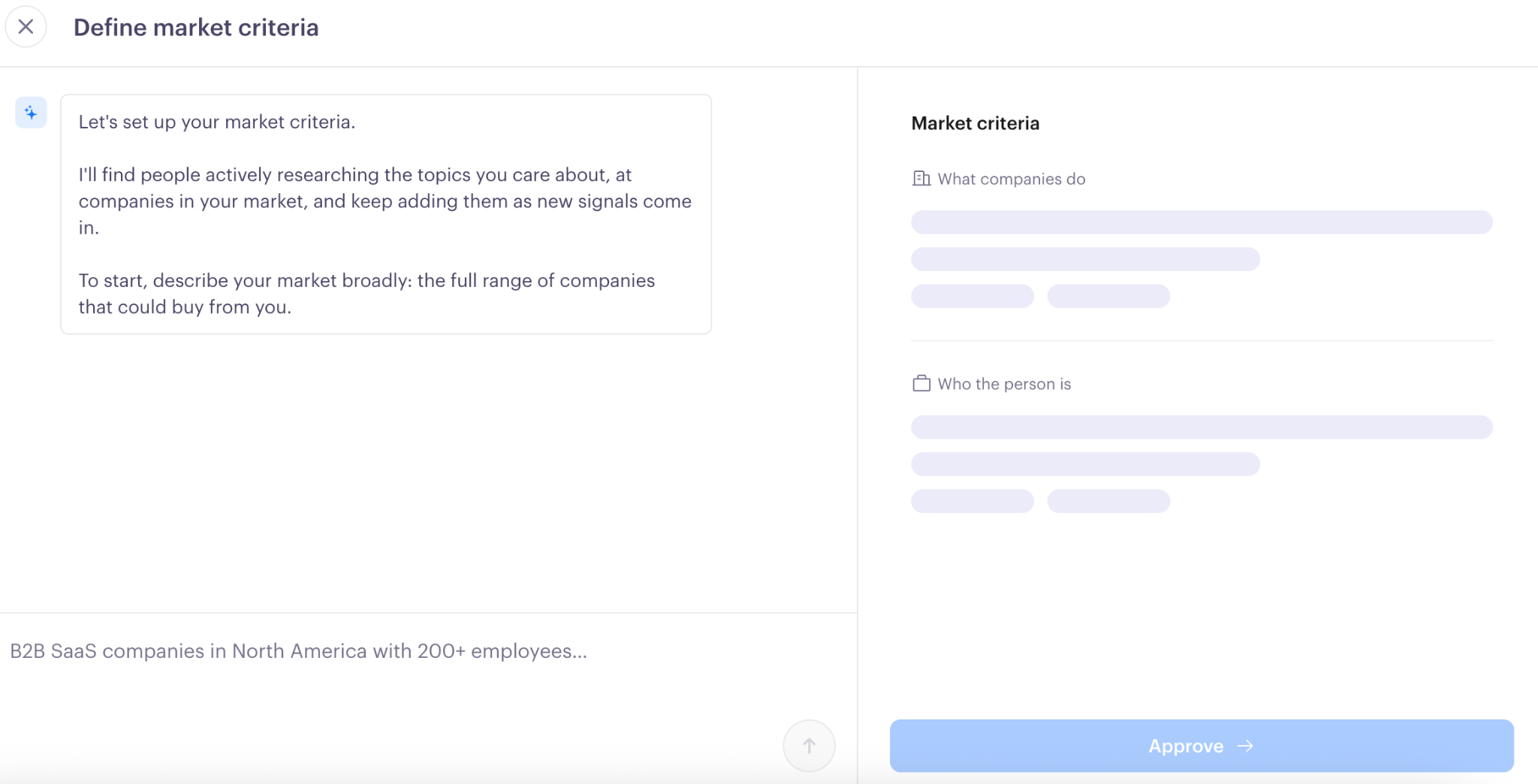
Describe your target market broadly. Start by describing the types of companies you're looking to reach in your own words, including any size and location criteria (country-level).
Next, describe who you're trying to reach at those companies. Focus on what the person does day to day. You don't need to specify a job function or title; the agent will infer both from your description and ask clarifying questions if needed.
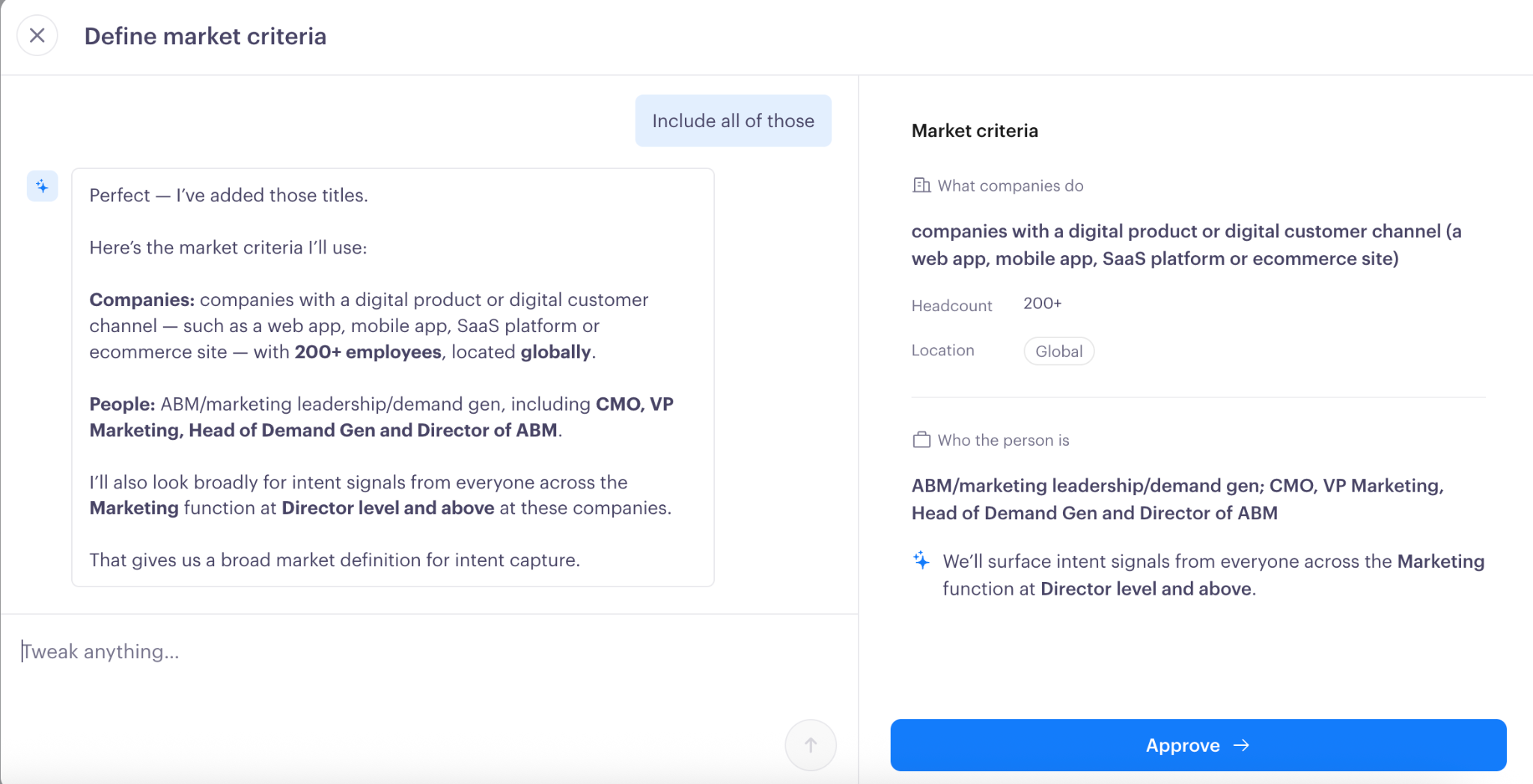
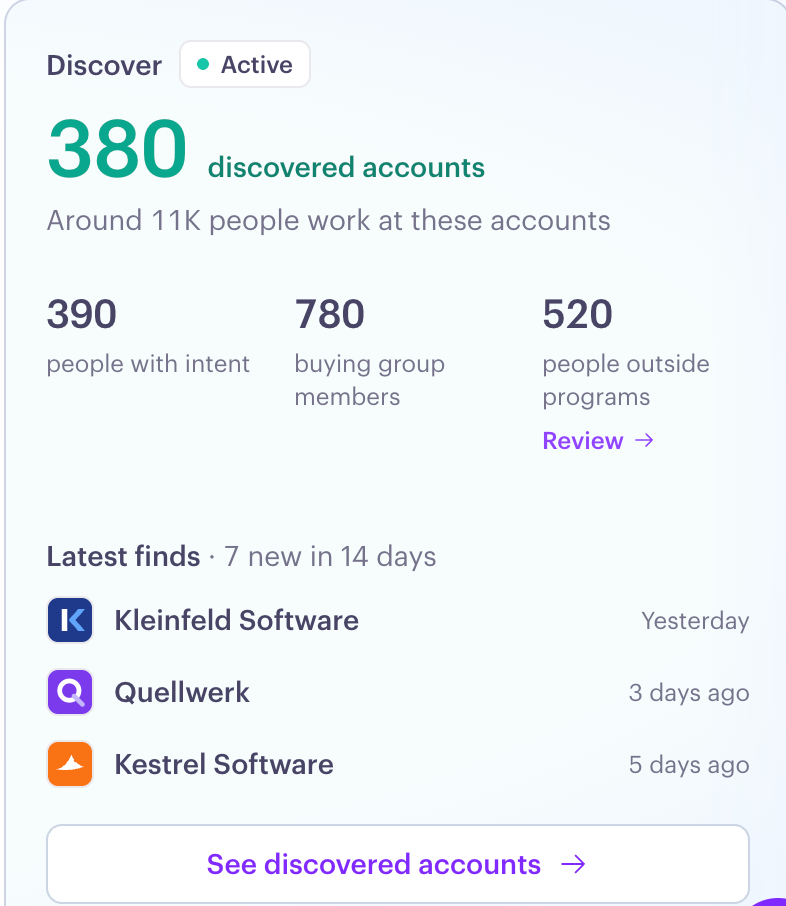
Once you approve your criteria, your market status on the Audienscope dashboard changes to Active, and Discover begins surfacing accounts and people as they show intent.
What's next
Once Audienscope Discover is live, it continuously detects intent across your market and surfaces new people and accounts. Review discovered accounts regularly to understand which companies are showing intent and identify opportunities to engage them through your Influ2 Programs.
To learn more about what you can do next, explore these related articles: