To begin your Salesforce integration journey, you need to first connect it to Influ2! Follow these step-by-step instructions to get started with your integration.
1. To connect your Salesforce integration, log in to Influ2. To access your ‘Account Settings’ click on your name in the top right of the screen.
2. Scroll down until you see ‘CRM Integrations’ and click ‘Connect Salesforce’.
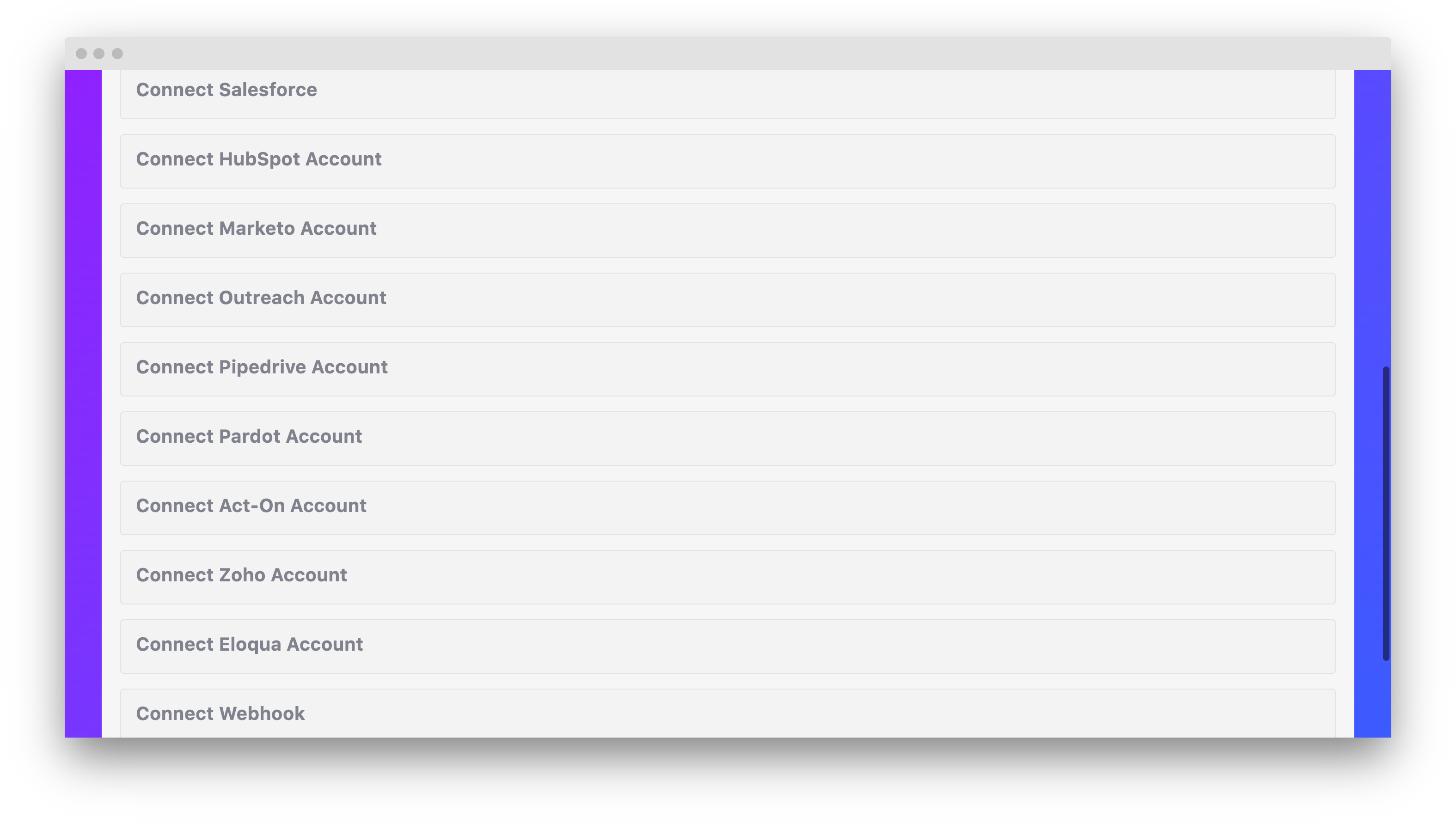
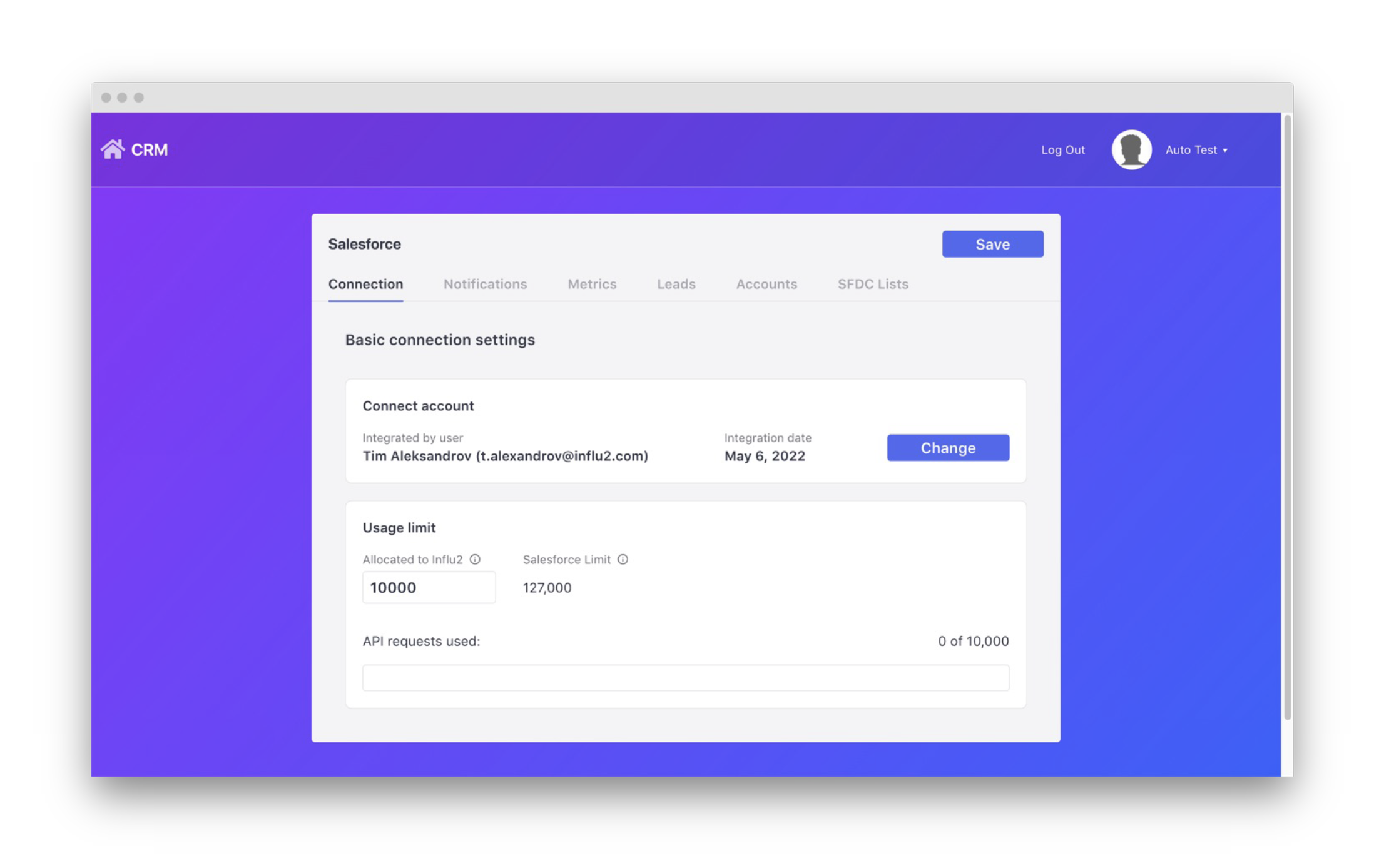
3. a. After clicking into your Salesforce Account, you will be brought to your Salesforce connection settings page.
b. Click the ‘Connect’ button to sign into your Salesforce admin account.
Comments
0 comments
Please sign in to leave a comment.