On the Metrics page, you can choose which metrics are sent and where they are matched to inside of Salesforce. Sync metrics to any default or custom field on a Salesforce object.
1. Individually select which metrics will be synced to Salesforce for your leads, contacts, and accounts.
Your metrics are automatically synced in Salesforce every 24 hours.
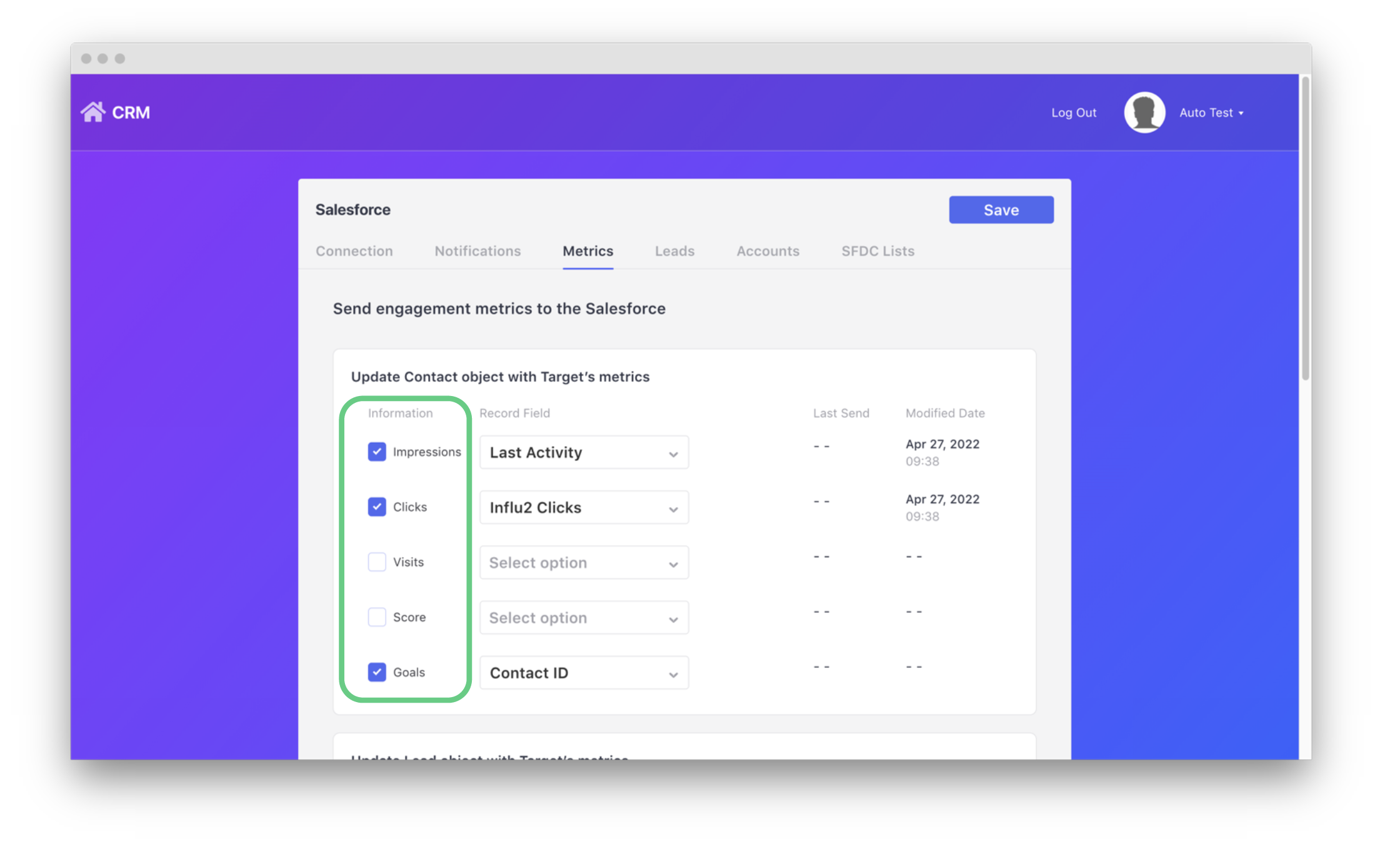
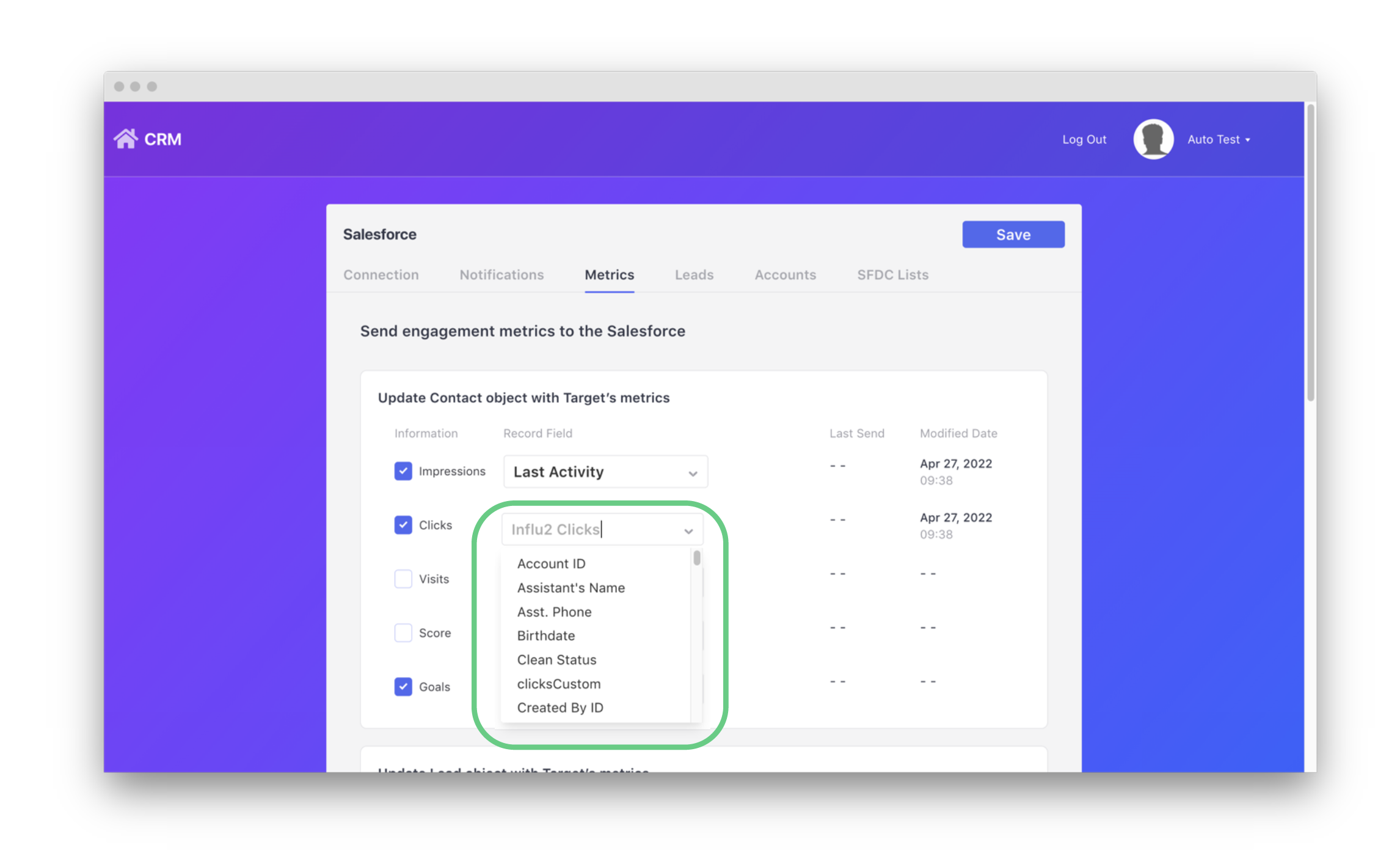
2. Use the drop-down to the right of each metric to select which fields they will be sent to in Salesforce.
Both default and custom fields can be selected.
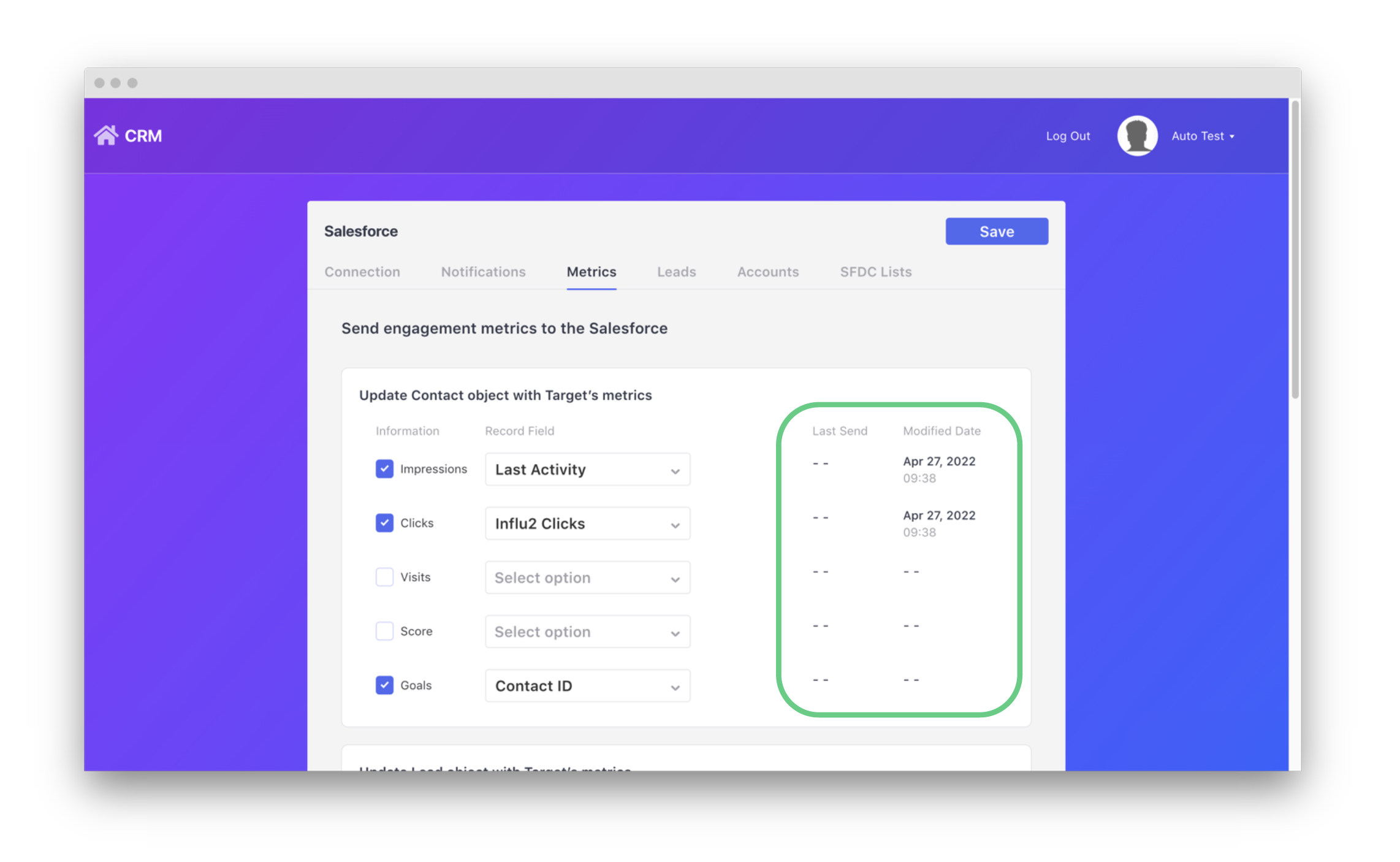
3. You can also view a timestamp to show the last time and date of when metrics were sent, and when a specific metric was last modified.
Comments
0 comments
Please sign in to leave a comment.