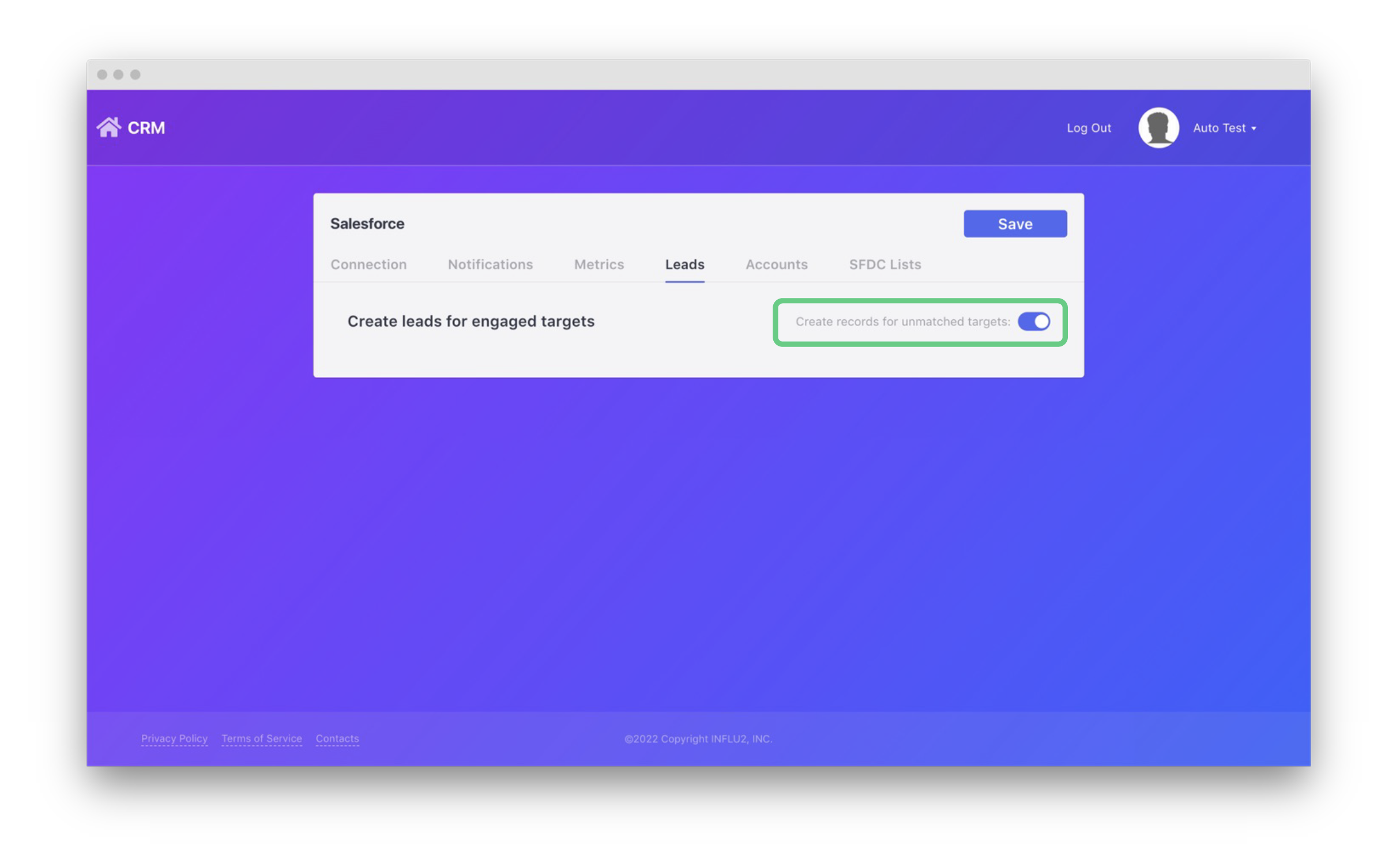
When you build an Influ2 campaign, you may target leads that aren’t in your Salesforce. To add these new, unmatched, leads to your Salesforce, go to the ‘Leads’ page in the integration.
1. Enable the on/off switch and then any unmatched lead that engages with your ads will be automatically added to your Salesforce account within 24 hours for your sales team to follow up with.
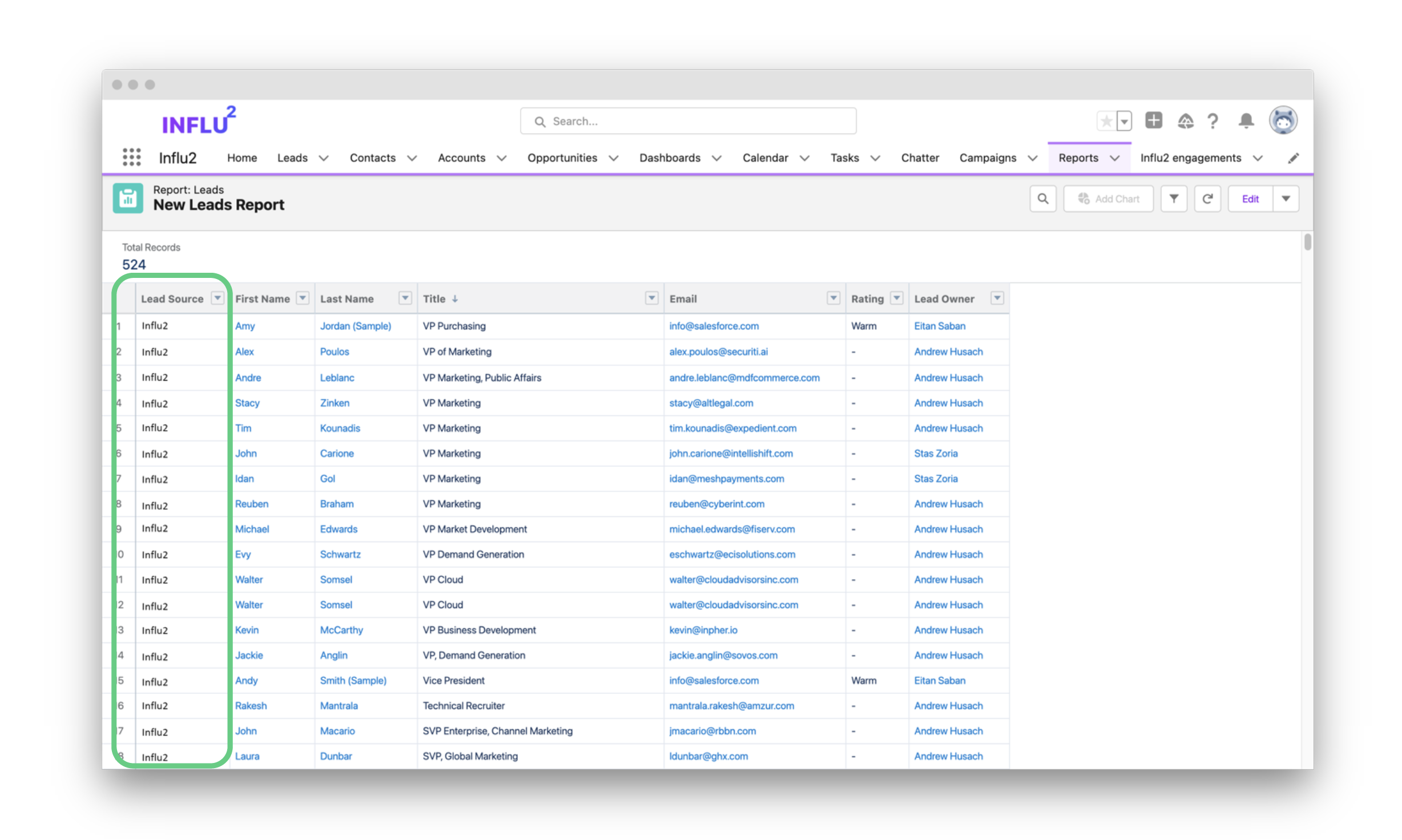
2. When a new lead is created based on the ad engagement, the lead source ‘Influ2’ will be sent over as well so your team can quickly build reports and filter. When a new lead is created by Influ2, the following information will be shared with Salesforce:
- Company
- First Name
- Last Name
- Lead Source
- Phone
- Title
- Website
Comments
0 comments
Please sign in to leave a comment.