On the Notifications page, you have control over which engagement types to use and when to send them to your Salesforce team. Setting threshold limits will enable you to send actionable notifications to your teams at the proper moment.
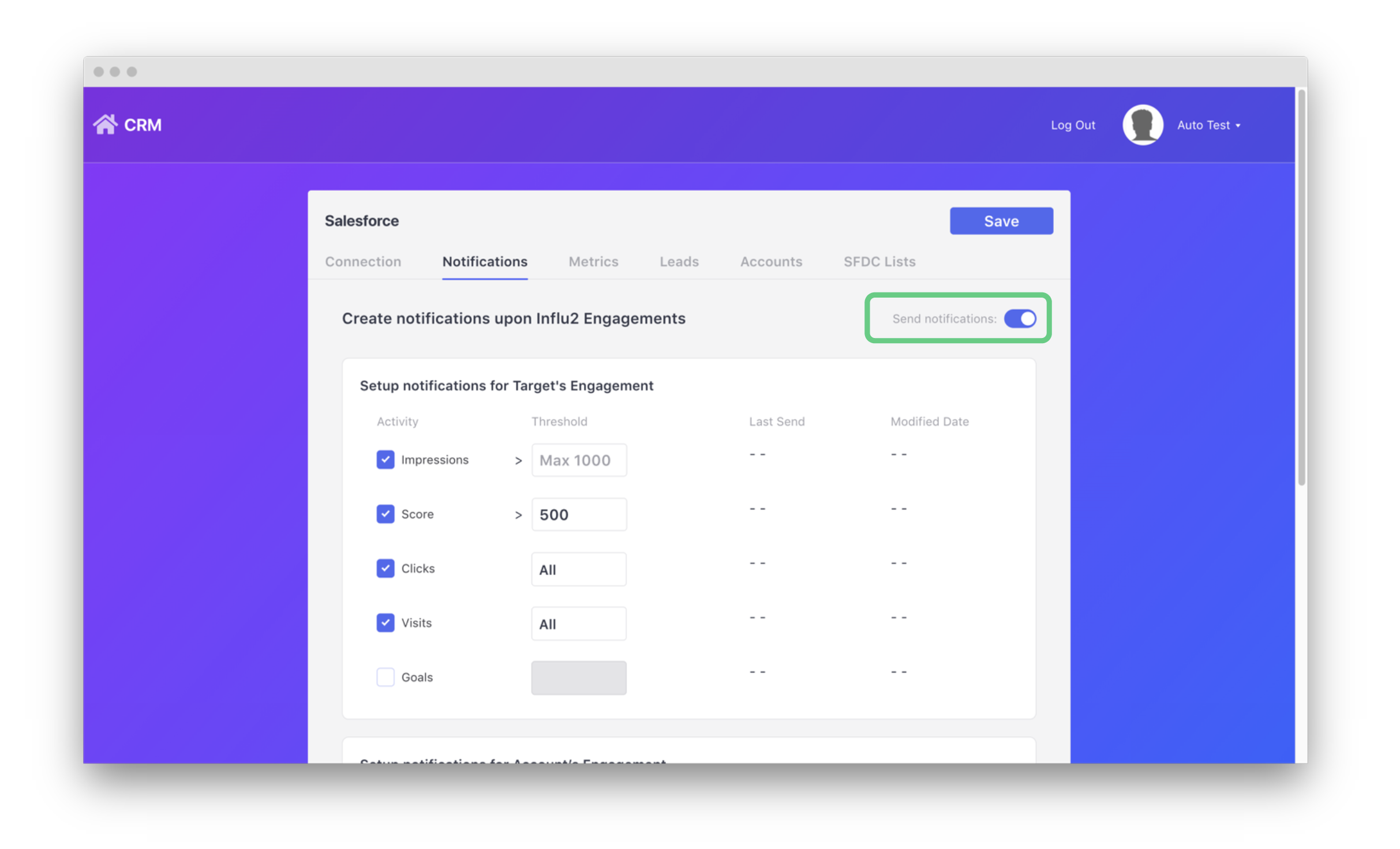
1. Enable the on/off switch to allow notifications to be sent based on Influ2 engagements.
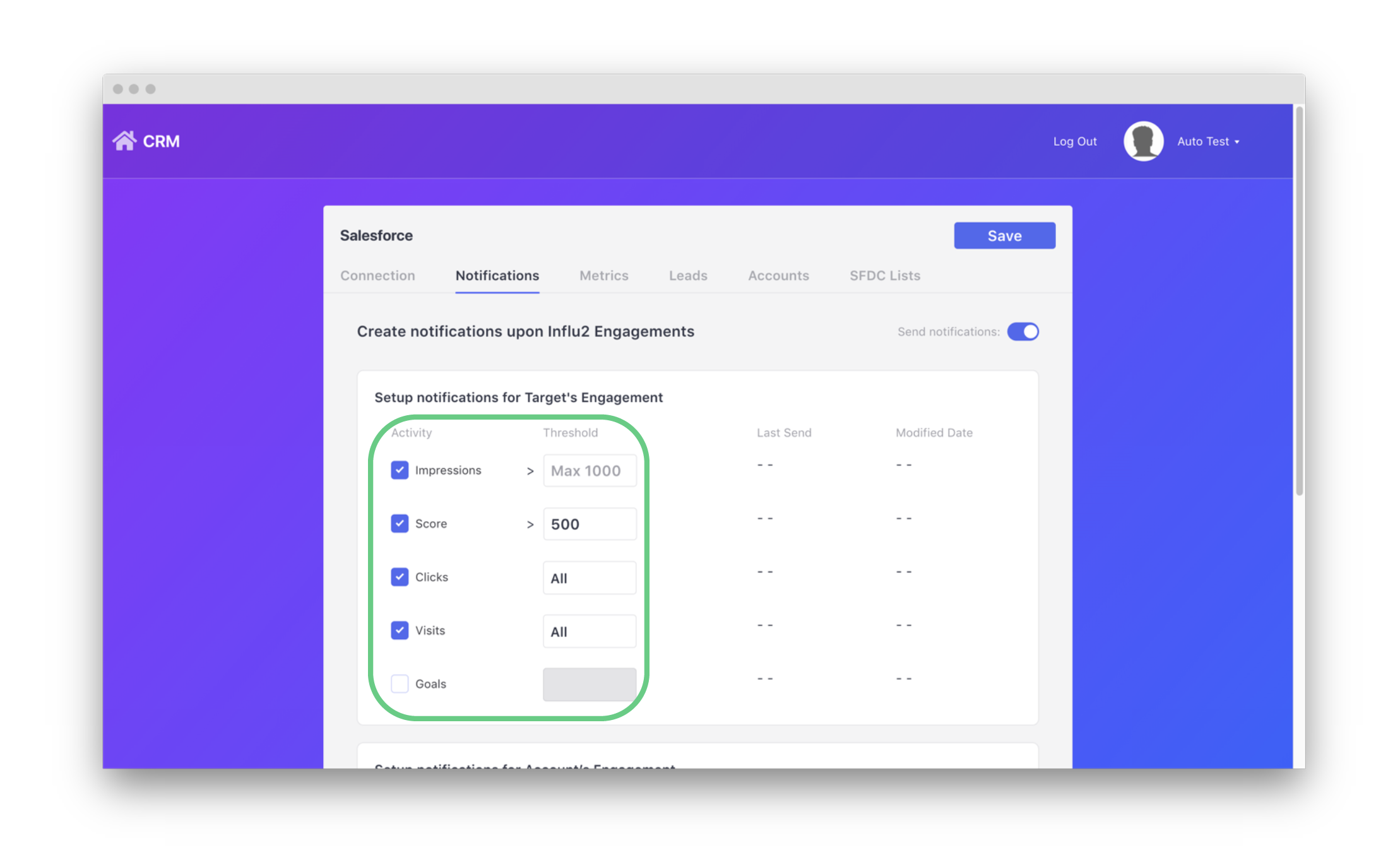
2. Select which activities will trigger your notifications. After enabling, you may set the threshold of the activity. Notifications will only be sent once the target reaches the threshold set. Impressions and Score have a max threshold of ‘1000’. Clicks, Visits, and Goals send notifications after every engagement.
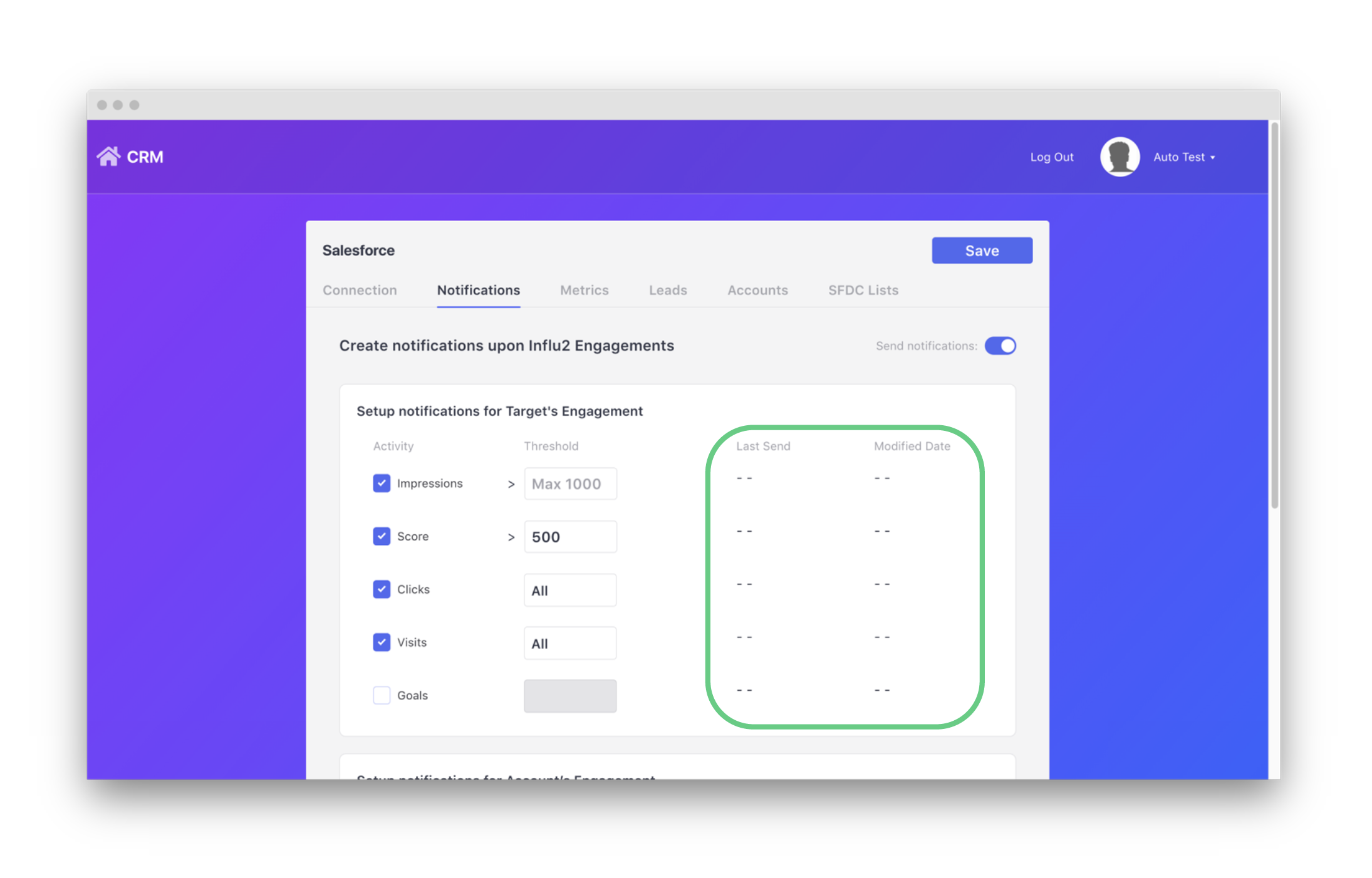
3. View timestamps to show the last time and date of when a notification was sent and when a threshold was modified. On the Notifications page, you have control over which engagement types to use and when to send them to your Salesforce team. Setting threshold limits will enable you to send actionable notifications to your teams at the proper moment.
Notifications are automatically sent to Salesforce whenever an active engagement threshold is met by a target.
Comments
0 comments
Please sign in to leave a comment.