1. In Salesforce, visit your campaigns tab. Once there, create a new campaign or edit an existing campaign list.
After creating a campaign, you may view the list of details by clicking on it.
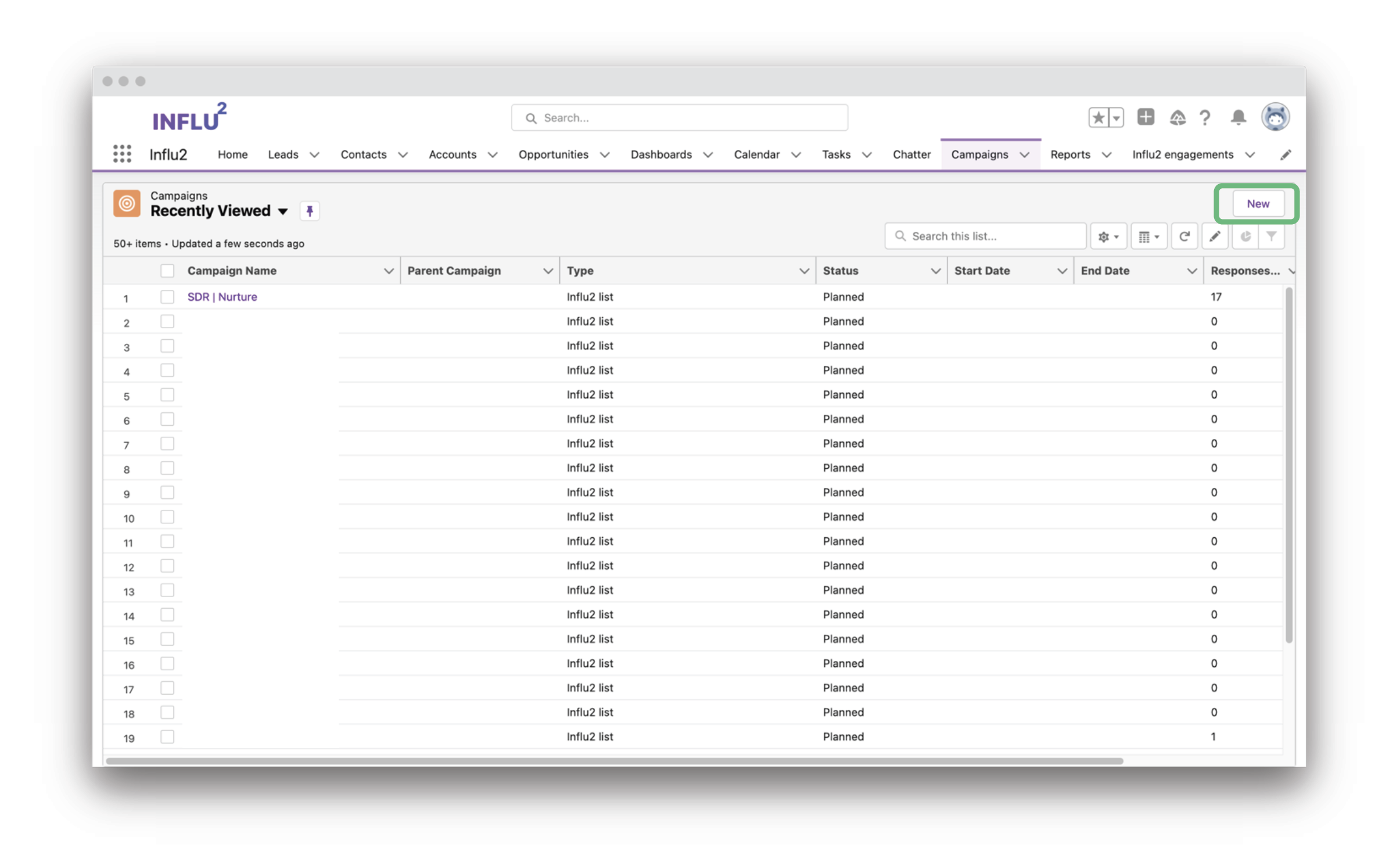
2. Add/remove leads or contacts once inside the campaign list. You can also build a report of leads/contacts and import it into the newly built campaign list.
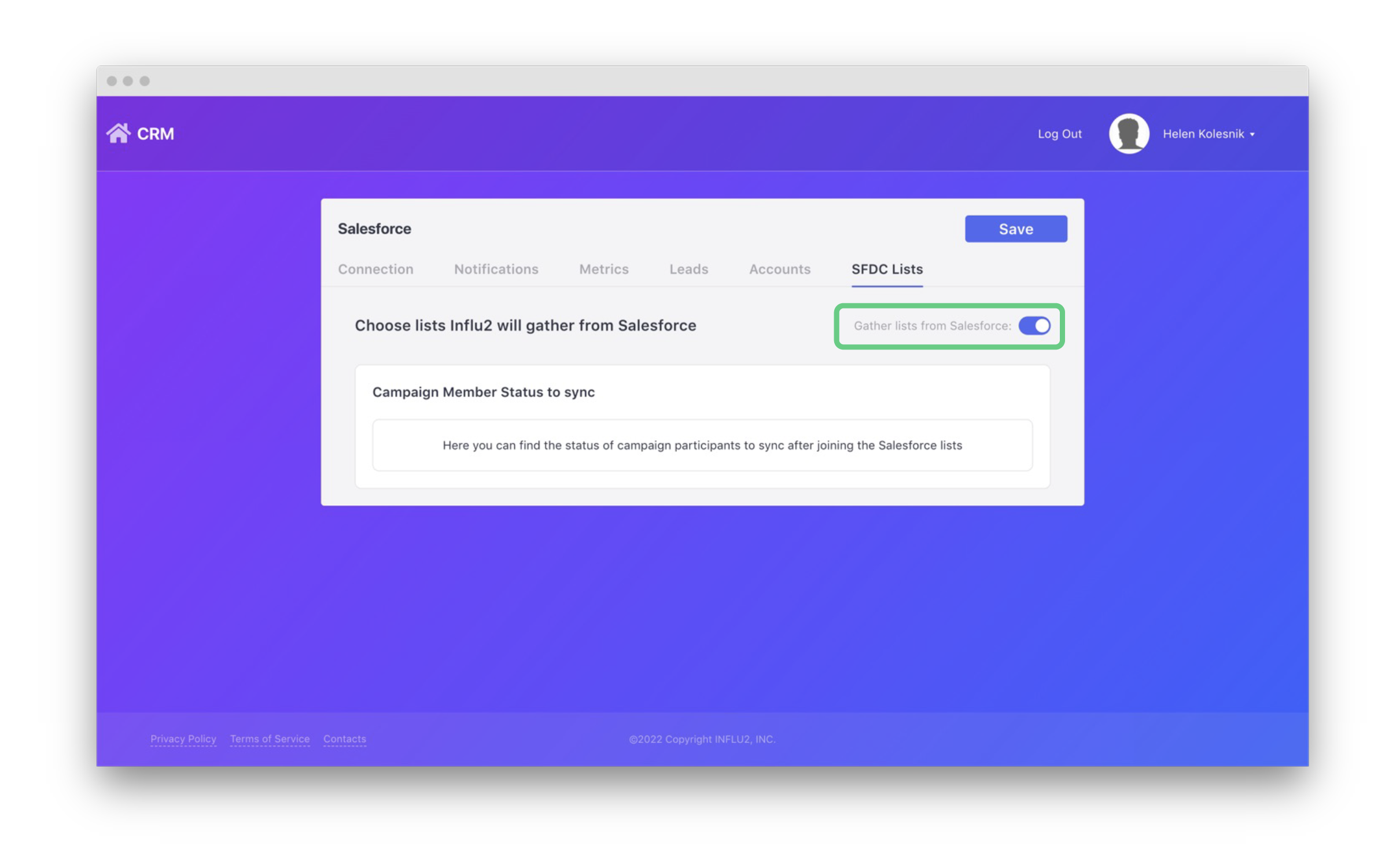
3. Visit the SFDC Lists page in Influ2's Salesforce integration. Once there, enable the "Gather lists from Salesforce" on/off switch.
After it has synced, you can find and select any Salesforce campaign member status' from Influ2.
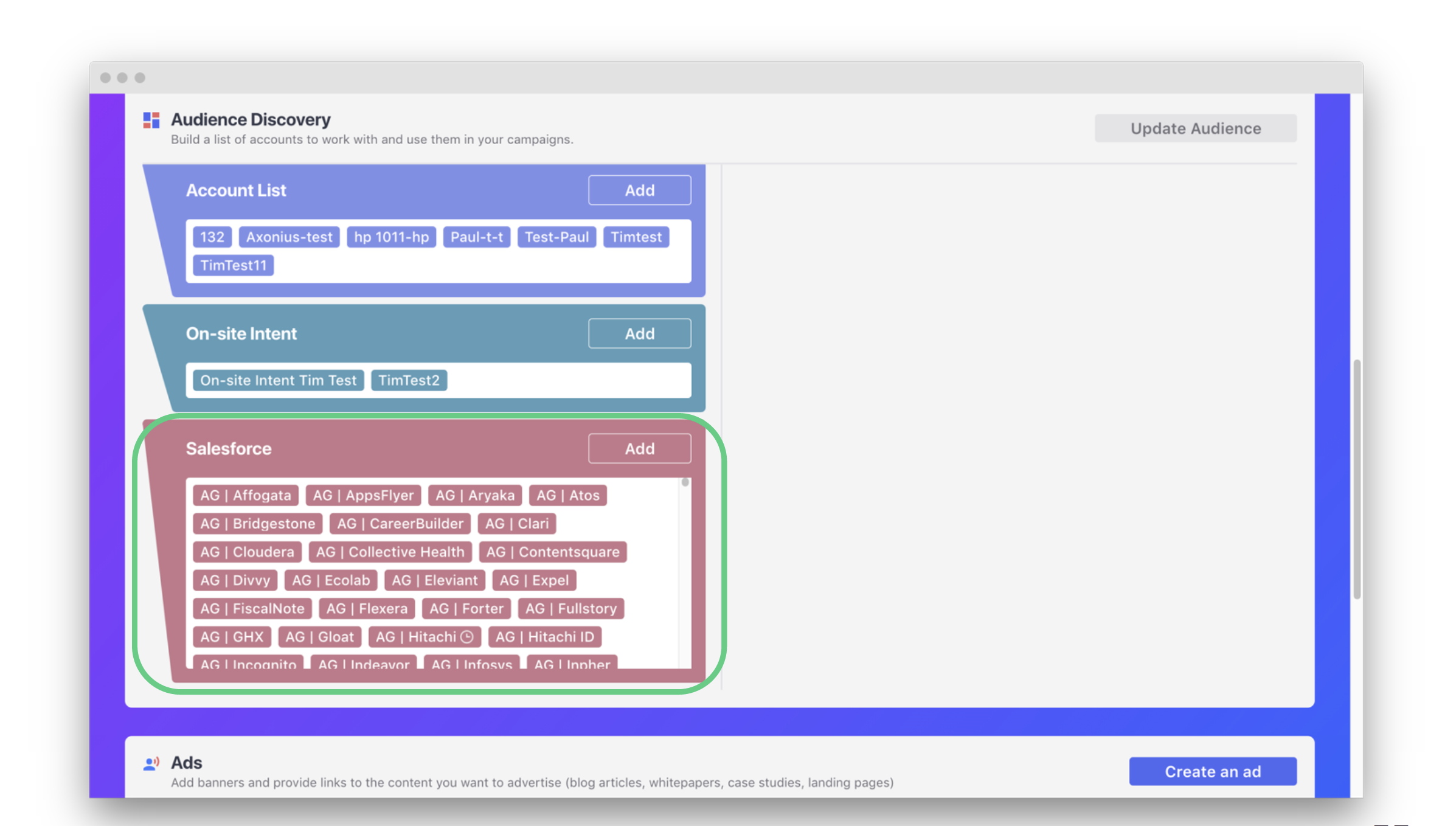
4. After selecting campaign member status' on your integration page, you can find the lists in your Audience Discovery tool while editing or building a campaign.
Comments
0 comments
Please sign in to leave a comment.